> ## Documentation Index
> Fetch the complete documentation index at: https://docs.trellistech.com/llms.txt
> Use this file to discover all available pages before exploring further.
# Departments & Views
> Organize tasks by department, save filtered views, and switch between the task table and calendar to review daily work.
[Resources](/resources/index) / Tasks & Workforce · 9:55 · English
## Written guide
Organize tasks by department, save filtered views, and switch between the task table and calendar to review daily work.
**In this guide**
* [Departments and saved views](#departments-views-departments-and-saved-views)
* [Task statuses in the table](#departments-views-task-statuses-in-the-table)
* [Tasks and visits in the calendar](#departments-views-tasks-and-visits-in-the-calendar)
* [Visit details and completed work](#departments-views-visit-details-and-completed-work)
### Departments and saved views
Video · 2:01
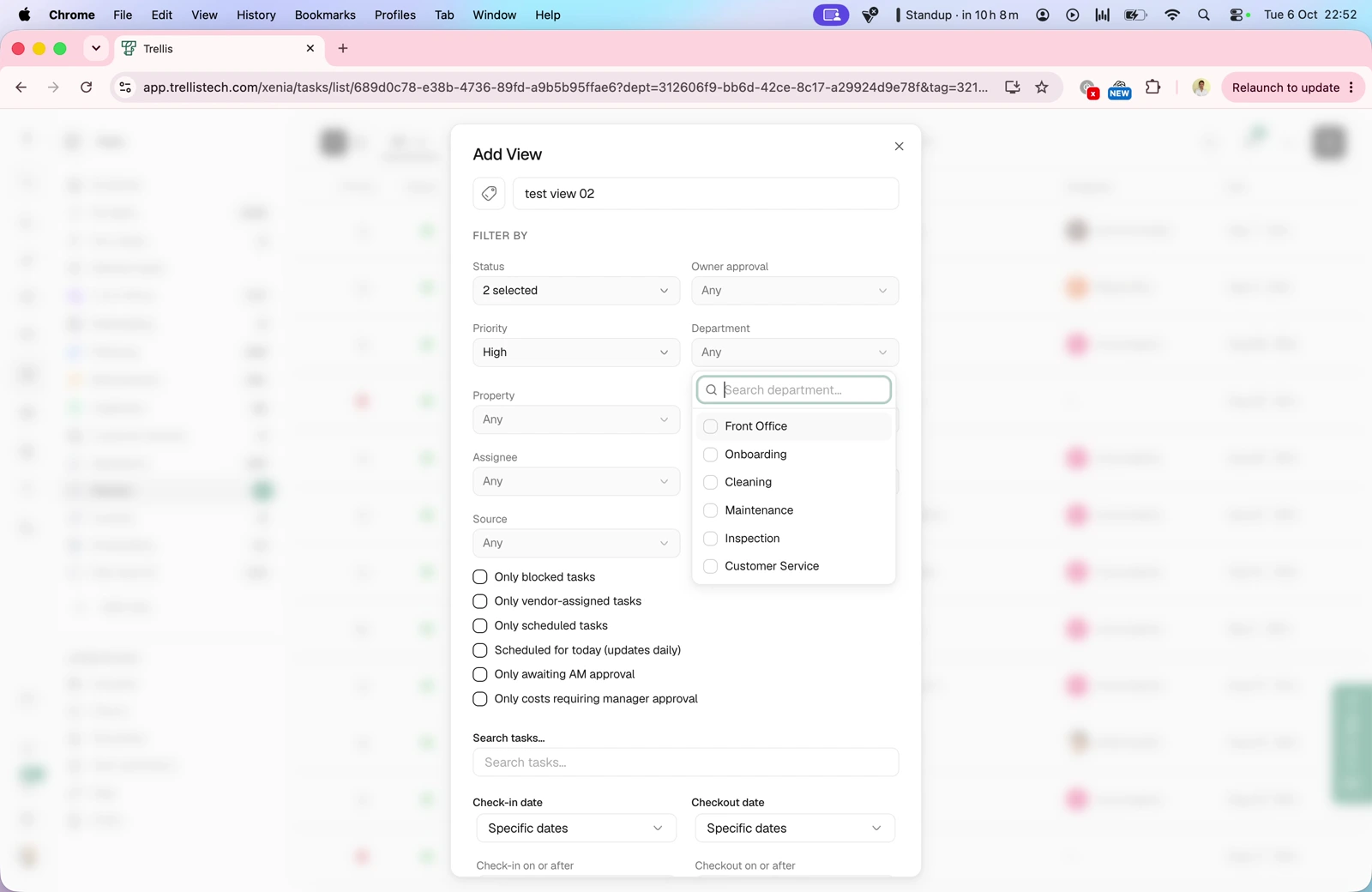
Use All Tasks, Your Tasks and department views to find relevant work. Create a custom view with filters for status, priority, department, property, assignee, tags and source, then save it for later.
### Task statuses in the table
Video · 3:43
Review open, scheduled, overdue and completed work. The walkthrough also covers draft tasks, approval requests and the optional In progress, Paused and Pending tabs, including tasks waiting for a date or another task.
### Tasks and visits in the calendar
Video · 7:21
Switch between individual tasks and visits that group work at a property. View the calendar by property or user, choose a day, week, fortnight or month, and expand or collapse the detail shown.
### Visit details and completed work
Video · 9:01
Open a visit to review its tasks, recorded times, assignee, photos, costs and notes. Check issues reported during the visit and any attached files.
This documentation is built and hosted on [Mintlify](https://mintlify.com), a developer documentation platform.
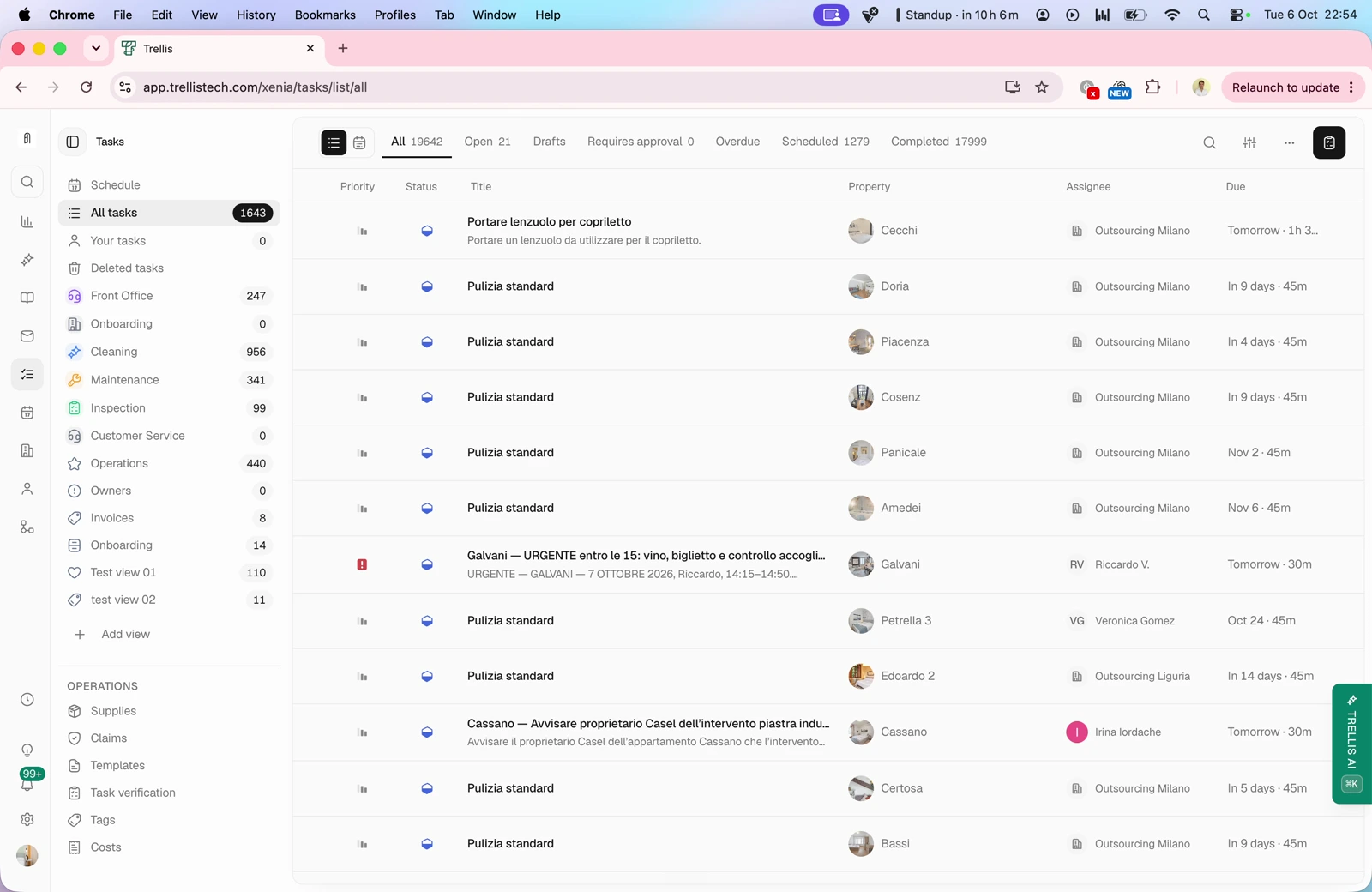 Review open, scheduled, overdue and completed work. The walkthrough also covers draft tasks, approval requests and the optional In progress, Paused and Pending tabs, including tasks waiting for a date or another task.
### Tasks and visits in the calendar
Video · 7:21
Review open, scheduled, overdue and completed work. The walkthrough also covers draft tasks, approval requests and the optional In progress, Paused and Pending tabs, including tasks waiting for a date or another task.
### Tasks and visits in the calendar
Video · 7:21
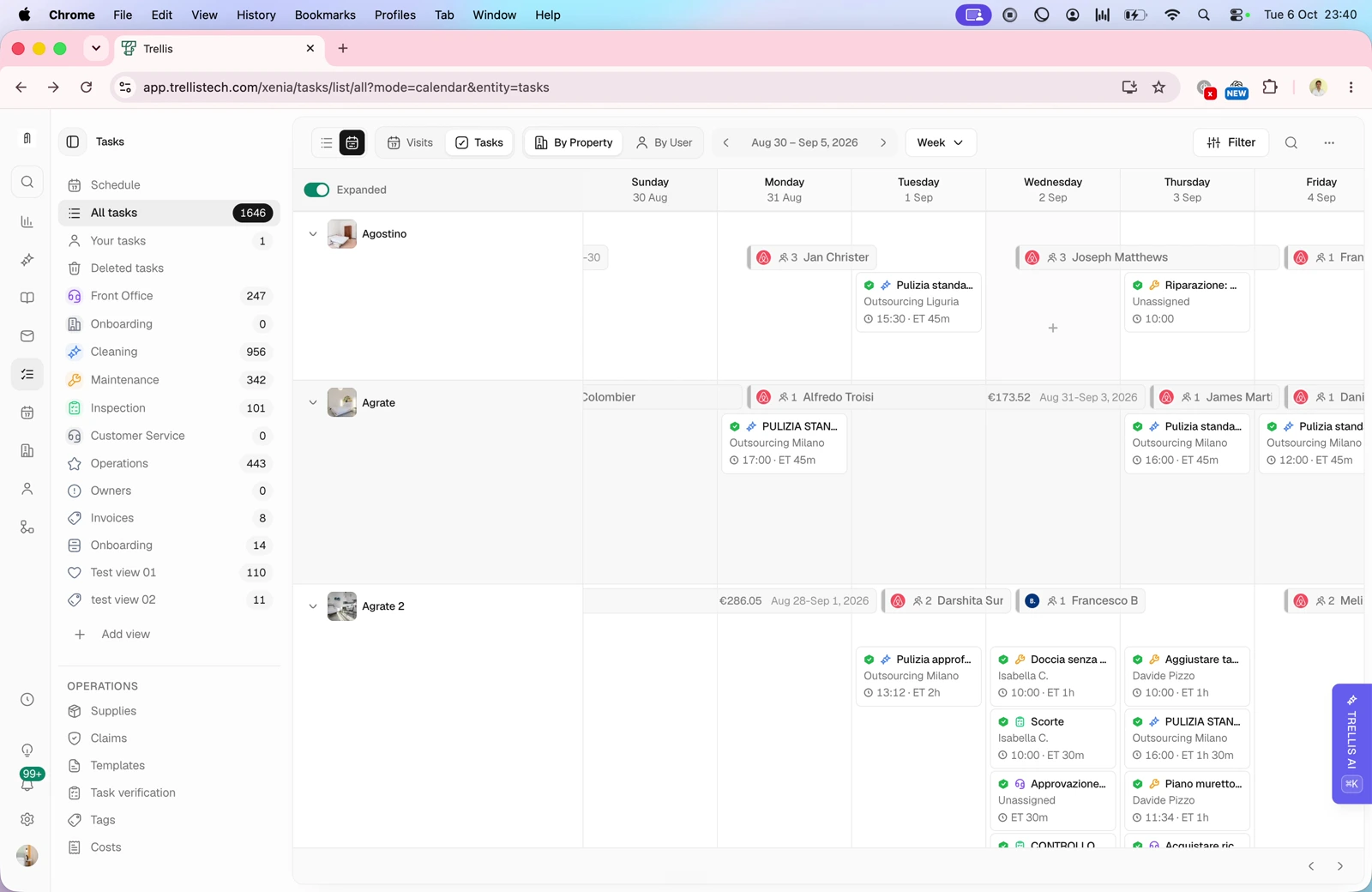 Switch between individual tasks and visits that group work at a property. View the calendar by property or user, choose a day, week, fortnight or month, and expand or collapse the detail shown.
### Visit details and completed work
Video · 9:01
Switch between individual tasks and visits that group work at a property. View the calendar by property or user, choose a day, week, fortnight or month, and expand or collapse the detail shown.
### Visit details and completed work
Video · 9:01
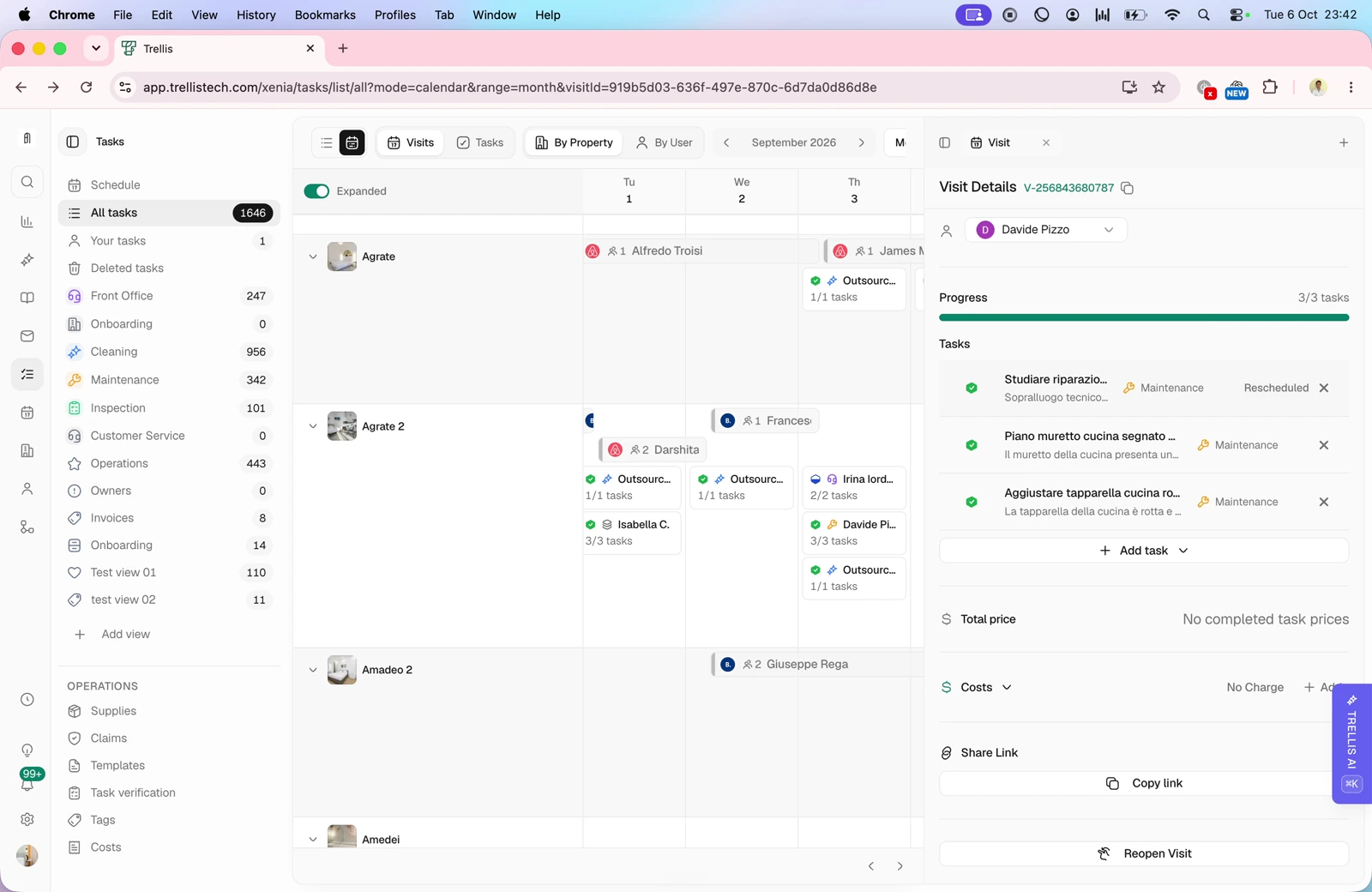 Open a visit to review its tasks, recorded times, assignee, photos, costs and notes. Check issues reported during the visit and any attached files.
This documentation is built and hosted on [Mintlify](https://mintlify.com), a developer documentation platform.
Open a visit to review its tasks, recorded times, assignee, photos, costs and notes. Check issues reported during the visit and any attached files.
This documentation is built and hosted on [Mintlify](https://mintlify.com), a developer documentation platform.