
Before you start
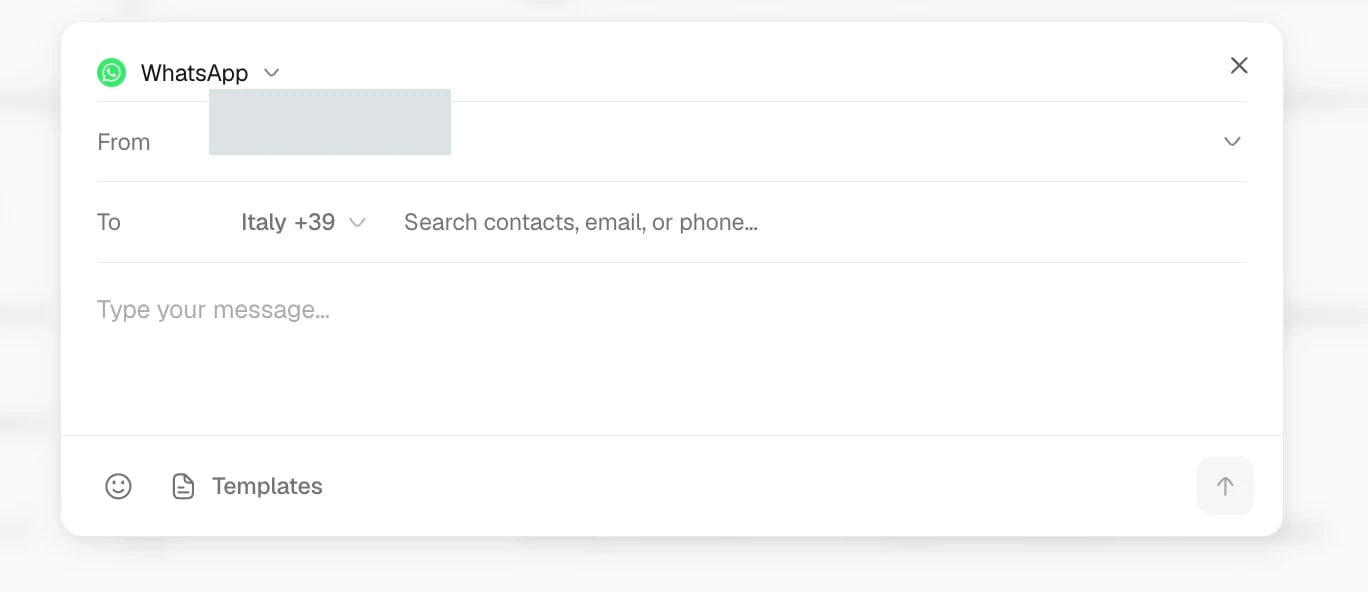
The sending account must be connected and available to your role. Check the recipient’s contact method and the channel you intend to use. For WhatsApp Business, a message outside the customer service window may require an approved template; see Connect WhatsApp.Where outbound messages come from
- Inbox: start a conversation, reply, or schedule a follow-up.
- Workflows: prepare or send messages after an event or schedule, with the approval rules you configure.
- AI Agent: draft or send within the agent’s permissions. Drafts wait for review or sending.
- Tasks: share an approval request or coordinate work with the people involved.
Send a message

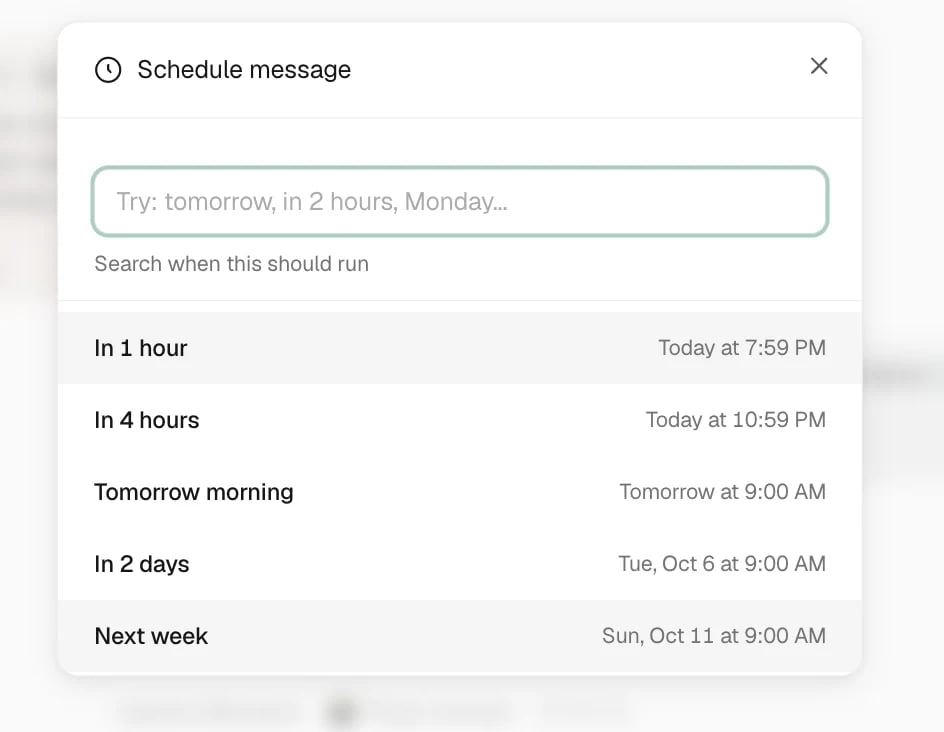
Schedule a message
Choose the sender for owner approval email
In Settings > Message templates, open Owner Approval > Email and choose the Default email sender. Trellis prefills that address when someone shares an owner approval request by email. Before sending from a task, review the From field. You can choose a different connected email address for that request without changing the saved default. This setting applies only to owner approval emails and does not replace the workspace-wide default email sender.Attachments
Add only files the recipient needs. Attachment support and size limits depend on the channel. If sending fails, review the error and use a supported file type or a smaller file before retrying.Check message delivery
Find the message in its conversation or the workflow run that produced it. Check the recipient, channel, and send status. A draft, scheduled item, or pending approval is not a delivered message. If the result is uncertain, inspect the existing attempt before sending again.Common problems
A message did not send
A message did not send
Read the failure shown on the message. Check the channel connection, recipient details, and any attachment. For an automated message, open Workflows > Runs to find the failed or waiting step.
A teammate cannot send
A teammate cannot send
Ask an administrator to check their role and channel access in Settings > Team & Permissions. Seeing a conversation does not always grant permission to send from every connected account.
The message needs approval
The message needs approval
Open the pending request and review the recipient and text before deciding. For messages that must never send without approval, also check the workflow’s timeout behavior.
Related articles
- Inbox — channels, reminders, and conversation status.
- Approve a sensitive message — put review before sending.
- Workflows — configure recurring messages and inspect runs.