Your entire rental operation, in one place
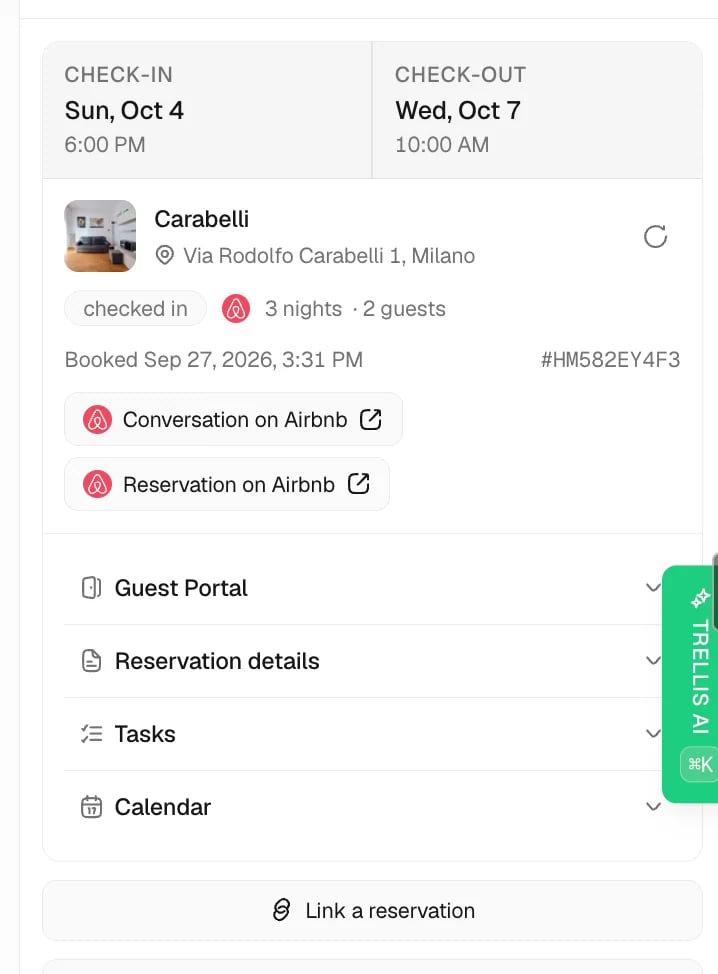
If you manage vacation rentals, you know the drill. Messages are scattered across Airbnb, Booking.com, and email. Cleaning schedules live in spreadsheets. You send owner updates by hand. Guest issues slip through the cracks at 2 AM. Trellis brings it all together. Your properties, guest chats, tasks, and team coordination live in one place. An AI assistant handles the repeat work so you can grow your business.Who is Trellis for?
Property Managers
Whether you manage 5 units or 500, Trellis scales with your portfolio. Stop juggling tools and start running a streamlined operation.
STR Operators & Co-hosts
Coordinate with owners, cleaners, and maintenance teams from a single platform. Everyone stays in the loop without the chaos.
What pain does Trellis solve?
Scattered guest messages across platforms
Airbnb, Booking.com, VRBO, WhatsApp, email, SMS - Trellis brings supported channels into one unified inbox so your team can work from one timeline.
Slow response times that hurt reviews
Trellis AI drafts replies in seconds. It uses your property details, house rules, and check-in instructions. You stay in control. Approve, edit, or let it send on its own.
Cleaning and maintenance coordination headaches
Trellis creates tasks when guests check out. Assign them to your team. Track completion with checklists and photos. Never miss a turnover again.
No single place to track your whole portfolio
Track every property from lead to active to churned. Keep owner contacts, custom details, photos, and daily records in one place.
Manual, repeat work that eats your day
Set up check-in messages, task creation, alerts, and daily summaries once. Trellis runs them for you.
Key benefits
Respond faster
AI-powered replies mean your guests get answers in minutes, not hours - even at 3 AM.
Never miss a task
Automatic task creation, smart scheduling, and team assignment keep your operations running like clockwork.
One inbox for everything
Guest, owner, and vendor conversations from supported channels in a single timeline.
Grow without growing pains
Add properties, team members, and channels without adding complexity. Trellis scales with you.
Keep owners informed
Track owner relationships, property performance, and the operational context your team needs to communicate clearly.
Work in your language
Trellis supports multilingual docs and product workflows so your entire team can work comfortably, no matter where they are.
Platform overview
Insights
Start your day with Pulse, message activity, agent work, tasks, and results.
AI Hub
Set up agents, knowledge, skills, and connected accounts.
Properties
Your portfolio command center - track properties, manage owners, and organize every detail with custom fields.
Inbox
Guest, owner, and vendor conversations from supported channels in one place.
Tasks
Schedule cleaning, maintenance, and inspections. Assign to your team and track completion.
Workforce
Manage shifts, schedules, approvals, absences, and team availability.
Workflows
Build repeatable work for messages, tasks, approvals, upsells, and daily operations.
Accounting
Review revenue, expenses, payments, ledgers, and owner statements.
Reviews
Track guest reviews, response work, and rating trends.
Settings & Admin
Manage team access, notifications, phone numbers, integrations, billing, and developer access.
Connects with the tools you already use
Trellis integrates with leading property management systems and keeps provider-supported records coordinated:- Guesty - properties, reservations, and guest data
- Krossbooking - properties, reservations, supported messages, and imported reviews
- Breezeway - field operations and task management
- Hostaway - reservations and messaging
- Calry - unified PMS connectivity
Ready to get started?
Quickstart Guide
Connect your PMS, configure your AI agent, invite your team, and turn on your first workflow.