
Main areas
Open Tasks → Supplies. The page has three areas:- Inventory: switch between Stock levels and Item catalog.
- Movements: switch between Purchase orders and Transfers.
- Warehouses: manage the locations that hold stock.
Create a supply item
Open Inventory → Item catalog and select New Item. Enter a clear name, choose whether the item is consumable or durable, and set the unit your team counts. Add the category, default cost, and SKU when useful. Set a Low stock threshold for when the item needs attention and a Target stock level for replenishment. If you buy packs but count individual units, complete the purchase unit and units-per-package fields. For example, a pack of 12 batteries must not be counted as one battery in stock. Save the item and use that same catalog record across locations where it is the same product. Keep separate items for products your team must distinguish.Set up storage locations
Open Warehouses → New Warehouse and add the storage location. Choose its type and link it to a property when it serves that home. Use a name workers can identify, such as “Apartment 4 — owner closet.” Return to Inventory → Stock levels, select the relevant property or warehouse, and review the physical counts. Use the inventory editor for a stock correction. When items move from one location to another, record a transfer instead so both sides of the movement can be followed.Use supplies on tasks
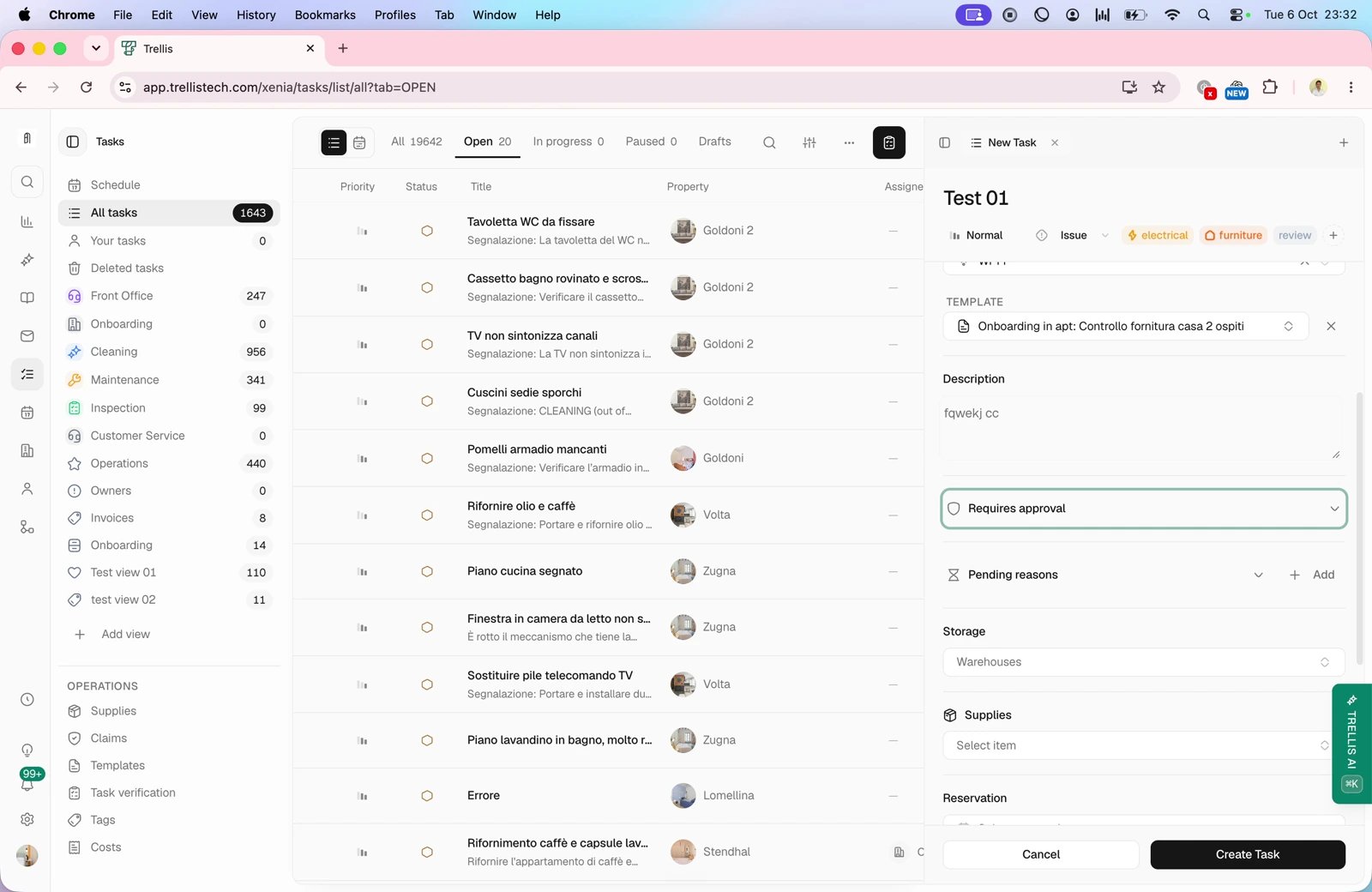
Track inventory by property
Use All properties in Inventory to select a home. Trellis shows stock from warehouses linked to that property. You can also open Properties, choose the home, and select Inventory in its sidebar. Both views use the same stock records. Edit a quantity in a House or Owner Closet column through the inventory editor, then confirm the saved count. You do not need to repeat the change in the other view.Follow orders and deliveries
Open Movements → Purchase orders and select New Order. Choose the property and delivery warehouse, add the items and requested quantities, and set the priority. Review the destination before saving. Open the order from To do to review and approve it where required. After the purchase has actually been placed, use Mark as Ordered. Recording an order in Trellis is separate from placing the purchase with a supplier. When supplies arrive, open the order and select Record Delivery. Enter only the quantities that arrived, using the displayed units; leave missing items unreceived. Save, then check the destination warehouse’s stock. A partial delivery should not be recorded as the full requested quantity. To move existing stock, open Movements → Transfers, choose New Transfer, and enter the source, destination, and quantities. Follow its status through receipt at the destination.Reorder low stock
In Inventory → Stock levels, filter for low or out-of-stock items and review their current counts. Use Reorder low-stock to prepare the replenishment order, then inspect its items and quantities in Purchase orders before approval or purchase. Check for outstanding orders before purchasing more.Common problems
Inventory looks wrong
Inventory looks wrong
Check the selected property and warehouse, then review recent deliveries, transfers, and confirmed task usage. Compare the unit and physical count before adjusting it.
A supply item is missing from a task
A supply item is missing from a task
Confirm it exists in Item catalog and was added to that task or its template. Existing tasks may keep earlier template defaults.
An order is waiting
An order is waiting
Open its details and identify the pending approval, purchase, delivery, or cancellation step. Assign the next action to the responsible person.
Related articles
- Tasks — supply usage during work.
- Properties — inventory for one home.
- Accounting — review related costs.