What this helps you do
Trust an agent answer for the right reason — because you can see what it read — and set each agent’s boundaries so safe work runs at full speed while sensitive actions wait for you.Read the sources behind an answer
Every substantive agent answer carries the material it worked from.1
Open the sources
On a suggested reply, open Sources to see the records the agent used — property facts,
documents, and conversation history each appear as their own source. A reply with no attached
material shows “No sources are attached to this reply.”
2
Check what each claim rests on
Match the answer’s specific claims to the listed sources. Sources used names what actually
informed the reply, not everything the agent could reach.
3
Inspect a full run
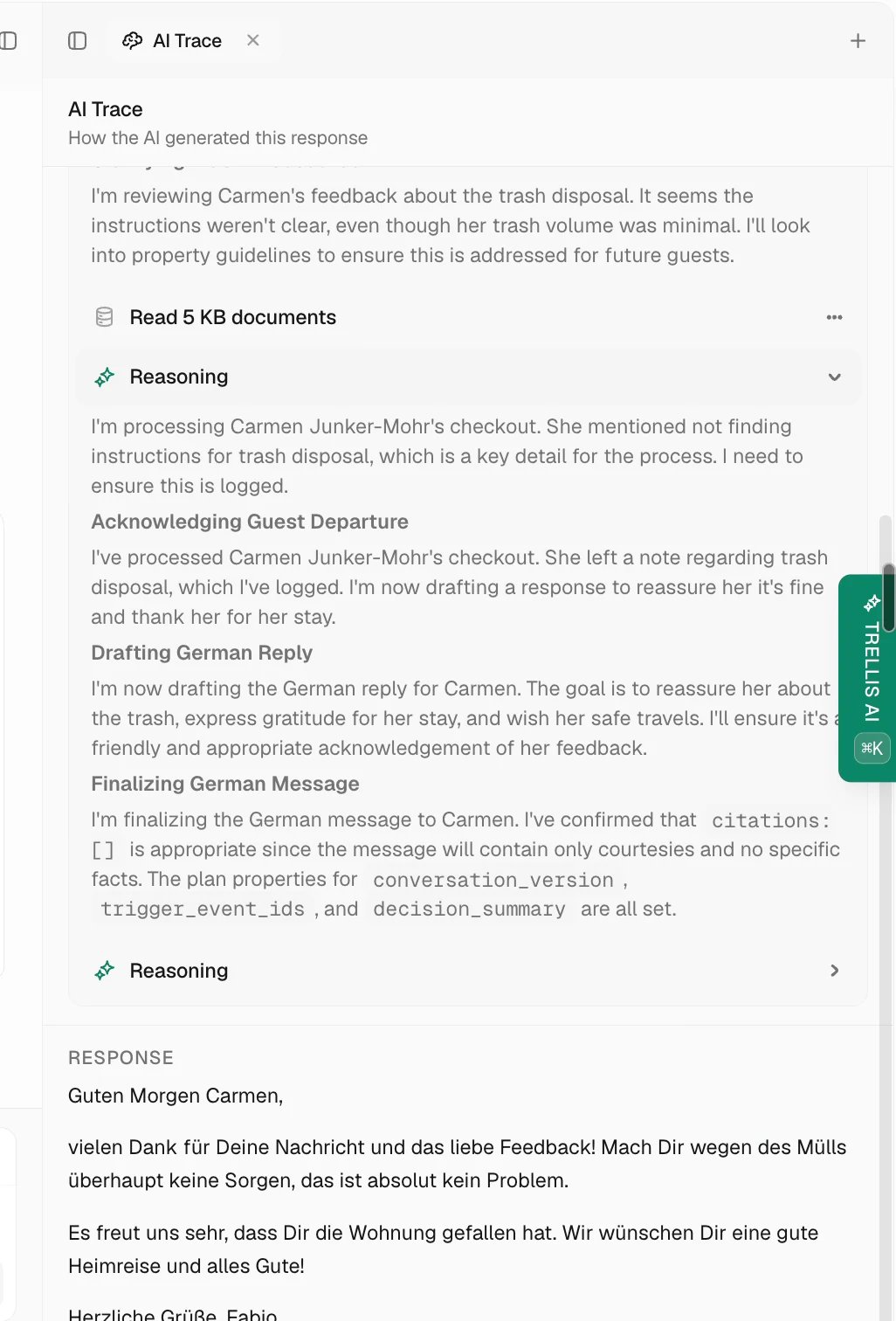
For agent work beyond a single reply, the run’s Evidence shows what the agent did and found
step by step.
Control what runs immediately
An agent’s boundaries live in its Access & Safety settings.1
Set tool permissions
Every tool the agent can use is Allowed, Ask first, or Off. Ask first means the
agent can draft the action, but a human must confirm before it runs.
2
Set work-area access
View and Change access are set separately per work area, so an agent can read one area
while only proposing changes in another.
3
Keep deliveries reviewed
Outbound messages follow the reply flow’s Approve & send control. For the situations that
always deserve review, see Approve a sensitive message.