
Find the source that should own the answer
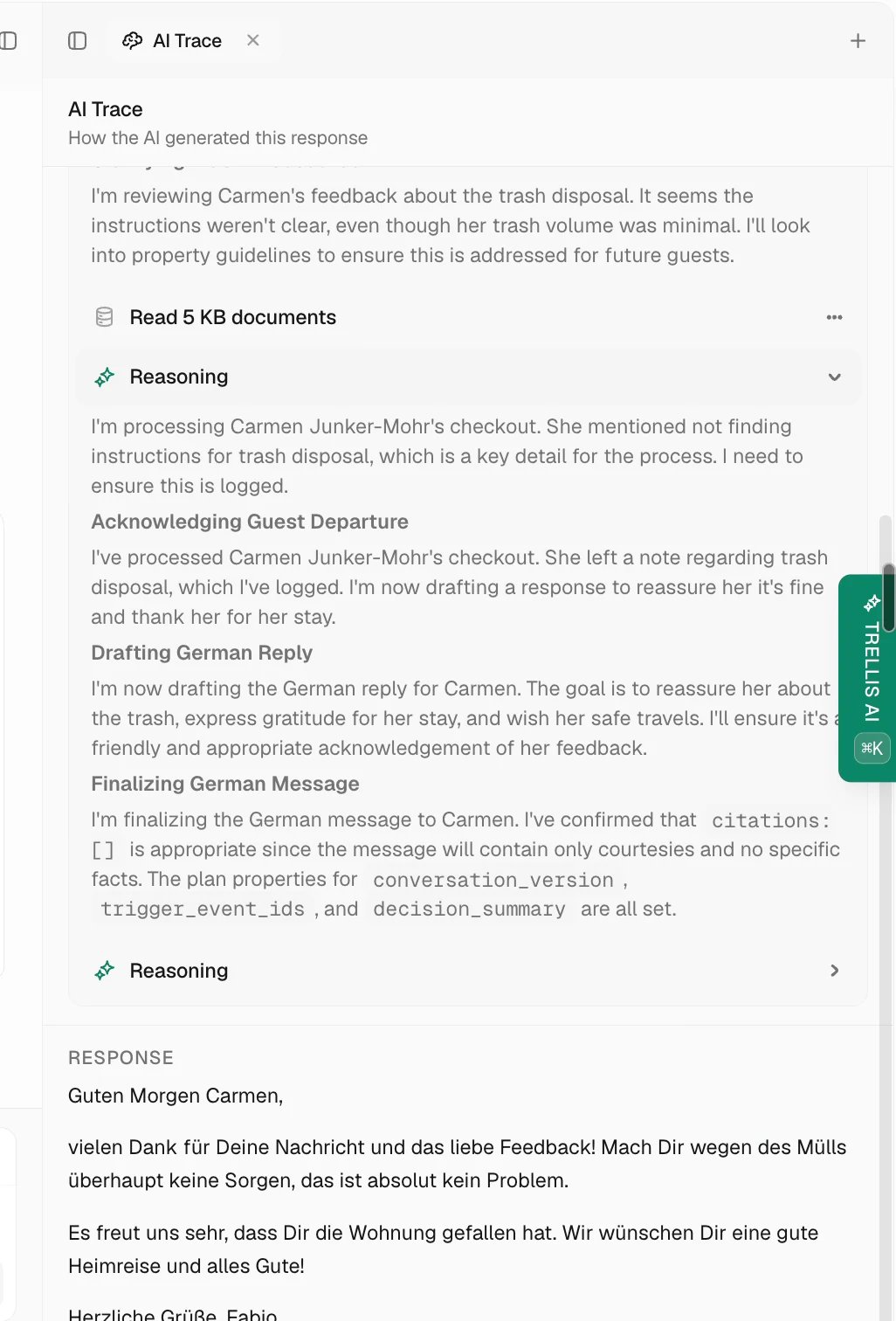
- Property: parking, Wi-Fi, access, amenities, and arrival instructions.
- Policy: how to handle a situation, including exceptions and escalation.
- Agent instructions: overall role, voice, and stable limits.
- Document: reference information retrieved for the answer.
- Skill: steps for carrying out a repeatable procedure.
- Reservation or PMS: booking dates, guest details, and stay status.
Correct and retest
Give a specific correction
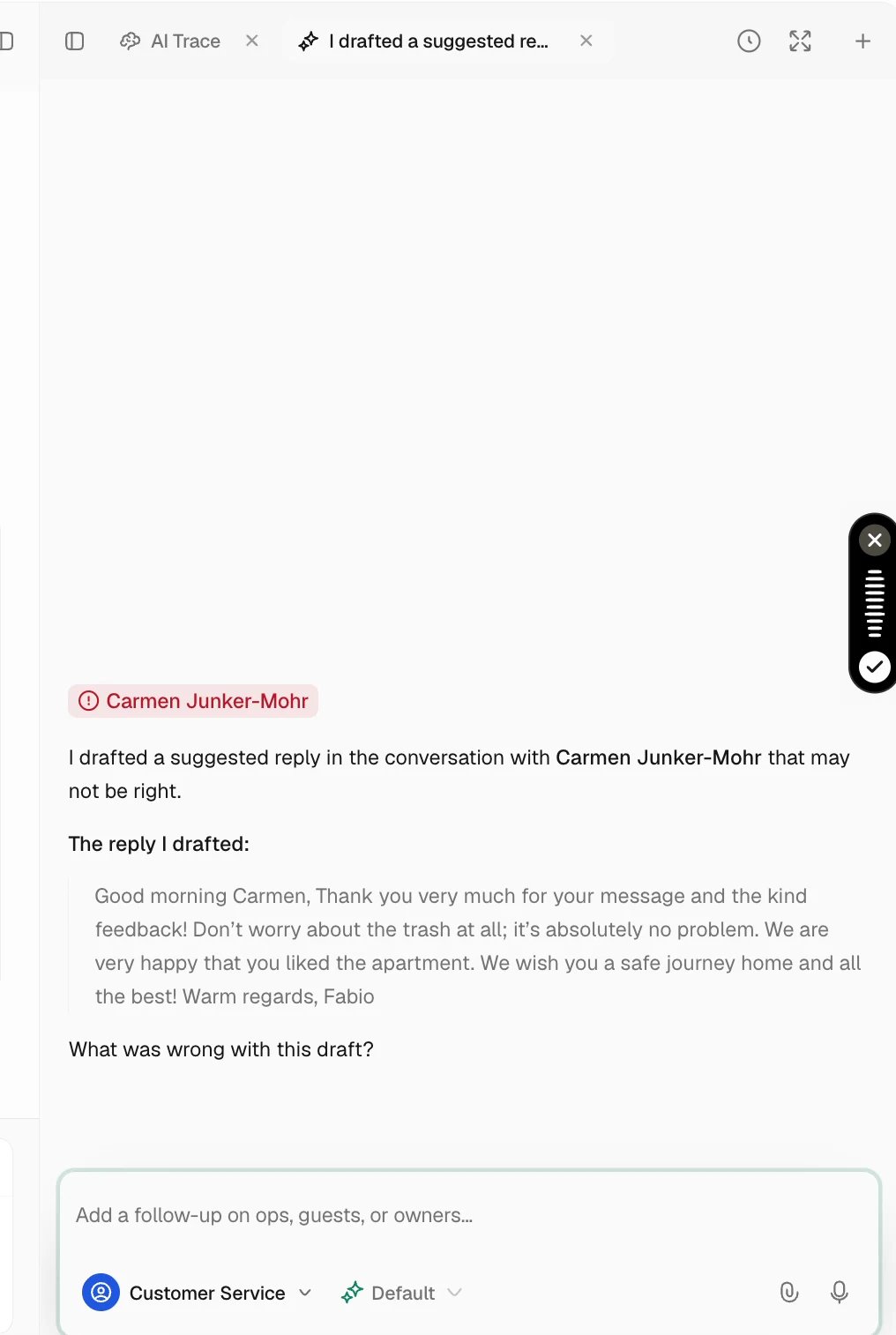
Check the saved change
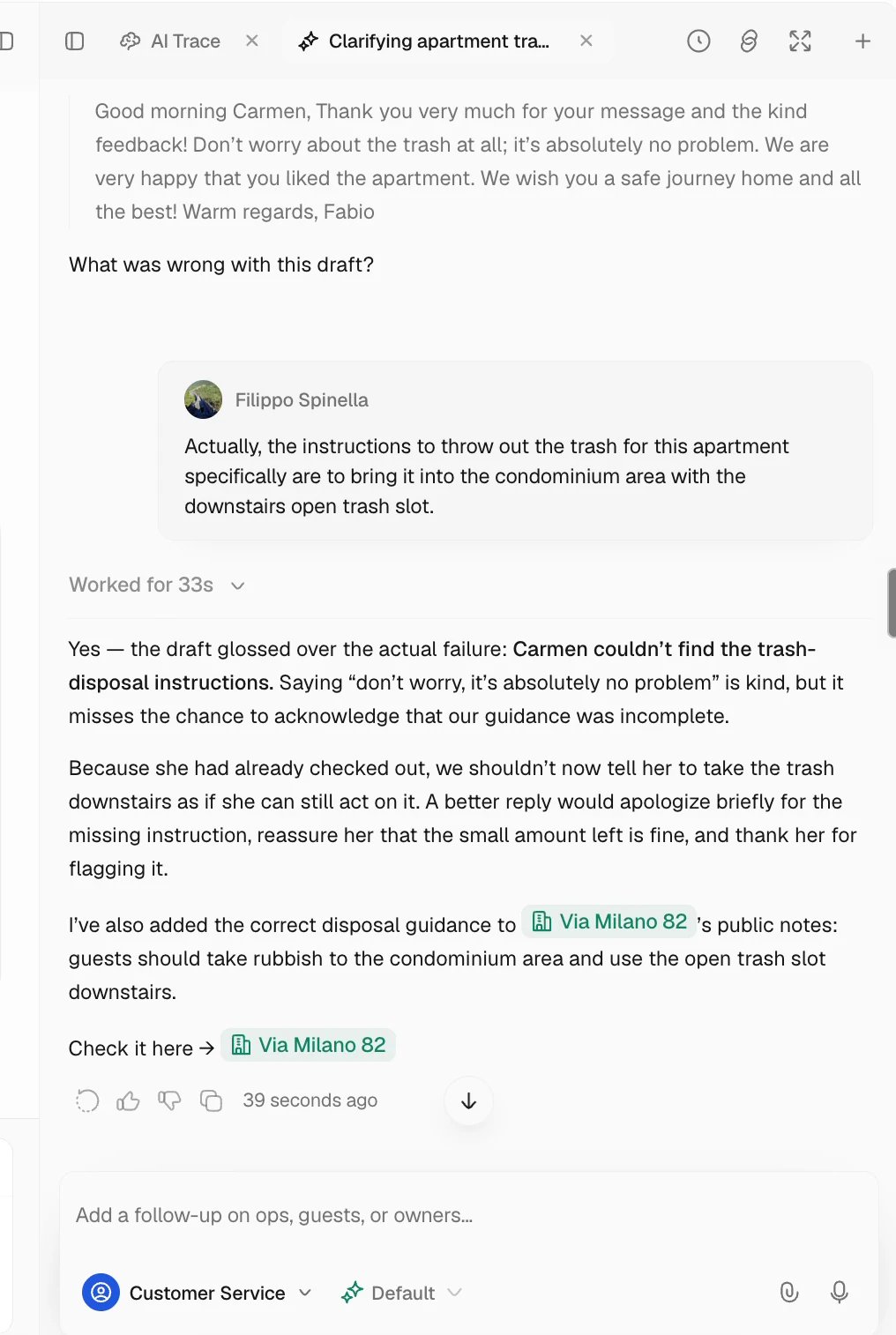
Test the answer again
Repeat the original question with the same property and reservation context while the reply is under review. Inspect the new sources and answer. Then try one related case, including another property if the correction should be limited to one home.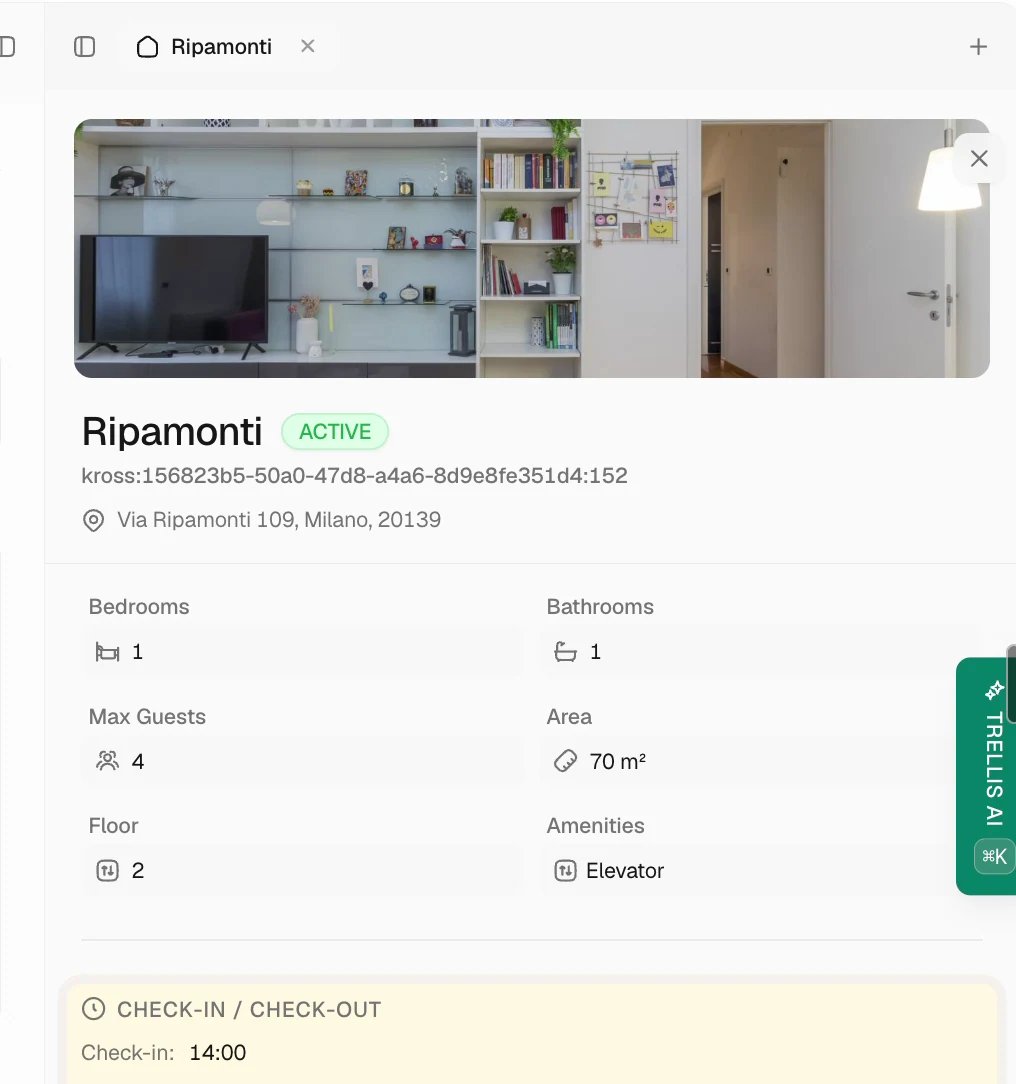
Correct an already-sent reply
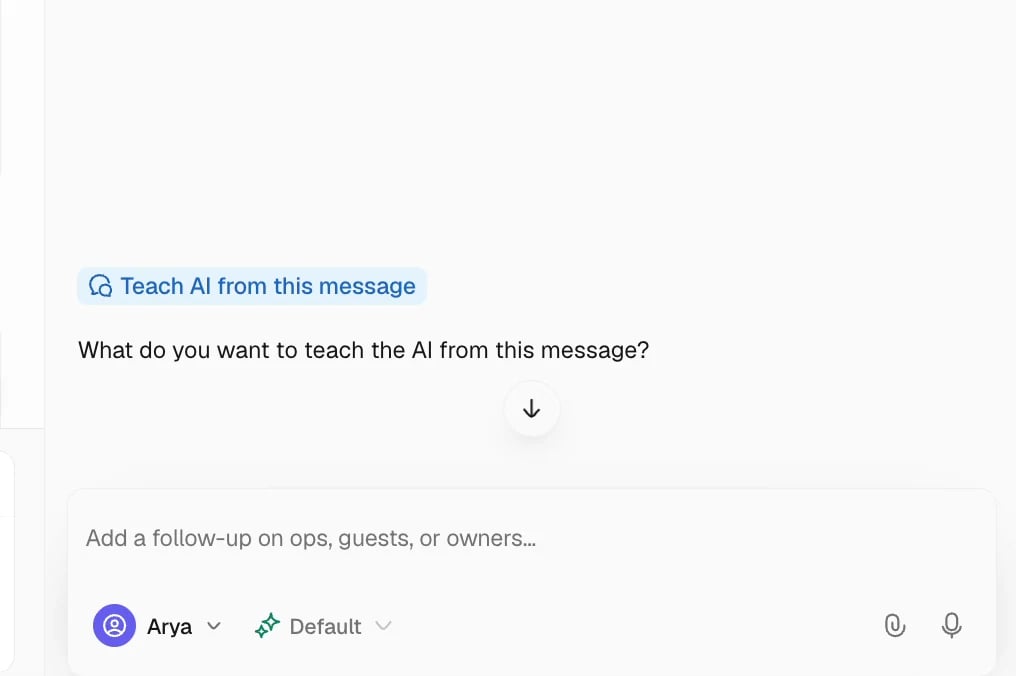
When the source is a reservation
Compare the reservation in Trellis with the connected PMS and follow the integration’s supported update or refresh process. Confirm the corrected booking detail appears before retesting the agent.Common problems
The old answer still appears
The old answer still appears
Check the property and reservation selected for the test, then inspect the new trace. Confirm the agent used the source you changed and that no conflicting policy or document remains.
The answer changes between properties
The answer changes between properties
Review property facts and policy scope. A property-specific exception should not become a workspace-wide instruction.
The source is correct but the answer is not
The source is correct but the answer is not
Keep the example for support with the conversation, time, question, expected answer, and available trace. Remove unnecessary private details from any shared screenshot.
Related articles
- AI Hub — information types and policy scope.
- Launch and hand off your AI Agent.
- Integrations — correct synced source data.