
Before you start
Prepare one training task at a property the worker can access. Choose the checklist, required photos, and timing, then assign it to the worker. Confirm their contact details and the workspace they should join.Onboard the worker
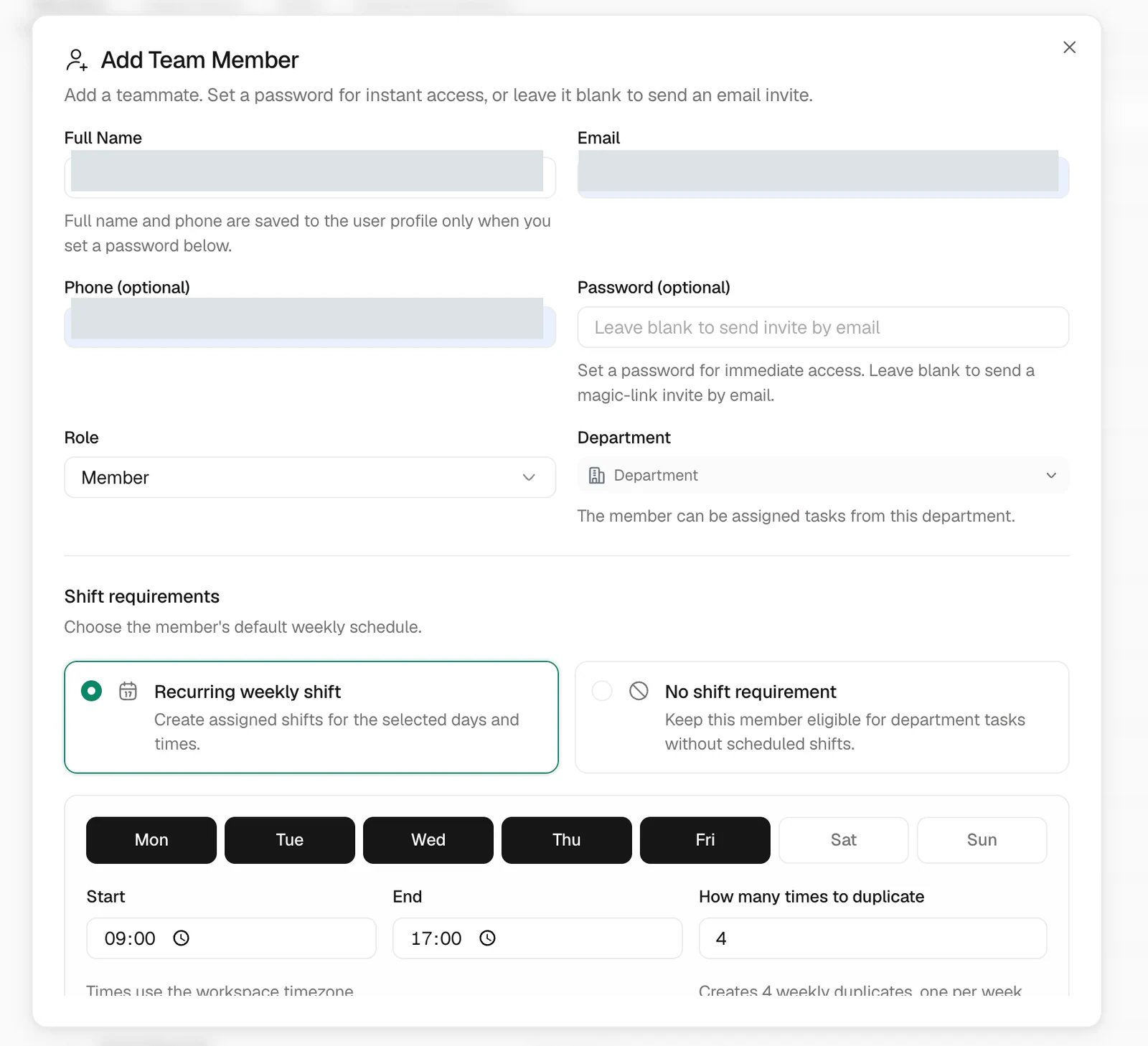
Invite them with the right access
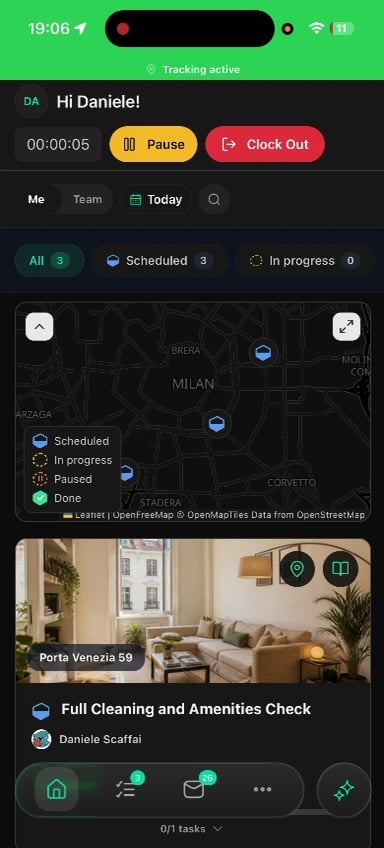
Find today’s work


Start the shift and visit
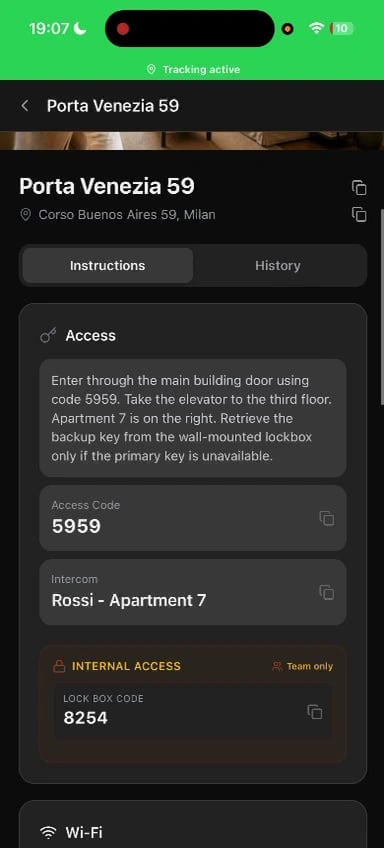
Complete the work and its evidence


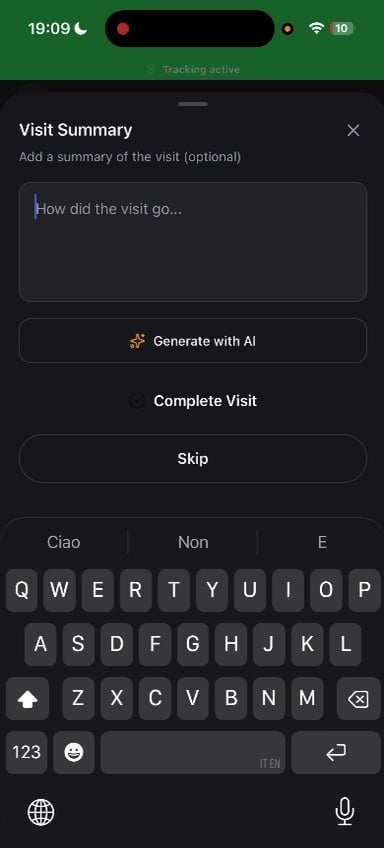
Finish the visit and shift

Set notifications
Enable the Trellis notification methods your team uses for assignments and schedule changes, then allow the relevant device permissions. If an alert is missing, check both Trellis preferences and the phone’s notification settings. For mobile schedule and absence requests, use More > Schedule.Common problems
The invitation does not arrive
The invitation does not arrive
Check the email or contact in Settings > Team & Permissions before using the resend option.
The worker cannot see the task
The worker cannot see the task
Check workspace, selected date, assignee, department, and property scope. Then refresh the task list.
The worker opens the wrong workspace
The worker opens the wrong workspace
Switch to the workspace named in the invitation and check its role and property access.
Photos do not upload
Photos do not upload
Check the connection and camera or photo permissions. Keep the task open until the required uploads are visible, or report the issue to the manager.
Related articles
- Tasks and visits — review completion.
- Workforce — shifts and recorded time.
- Roles and property access.