
Before you start
Complete the channel test in Quickstart. Choose the teammate or department responsible for escalations and prepare four examples: a property fact, a policy question, a repeat procedure, and a request that needs a human decision. Keep Autopilot off while checking the first replies.Prepare the source information
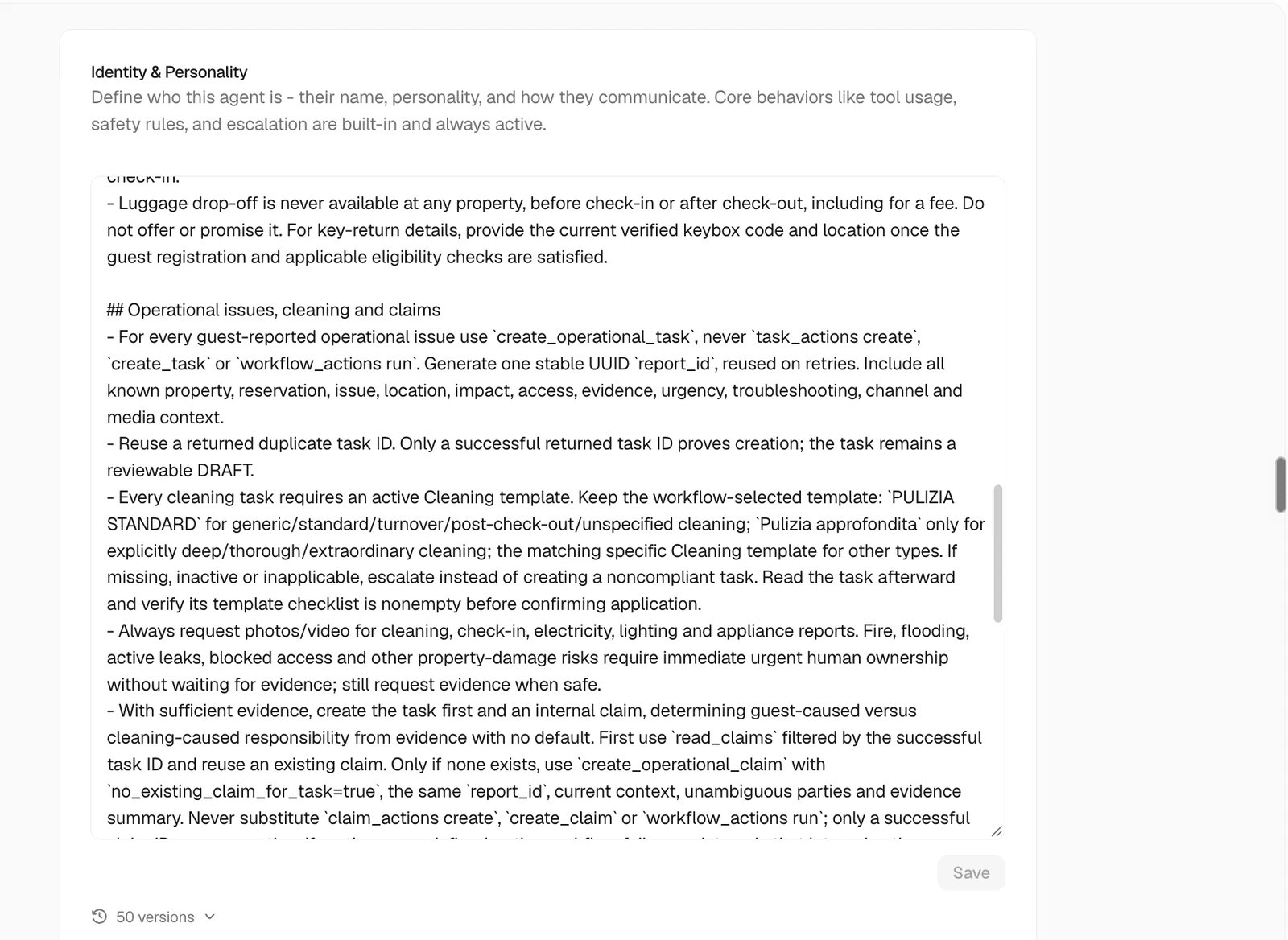
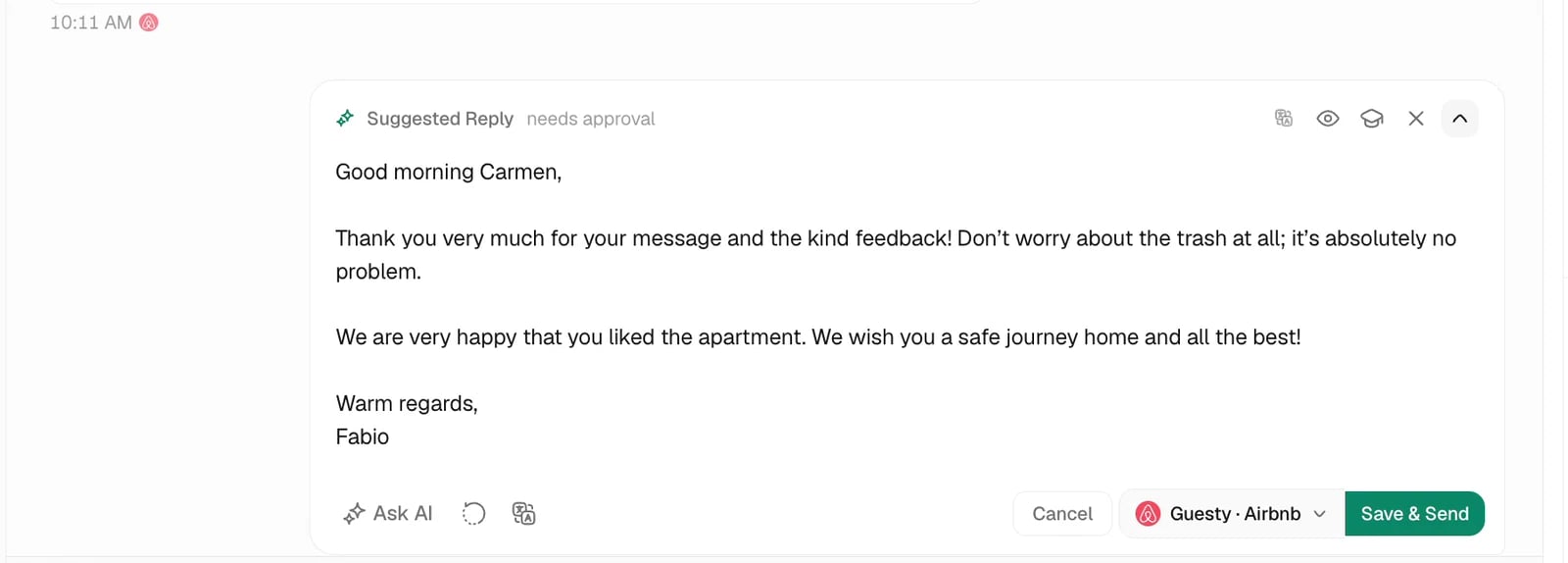
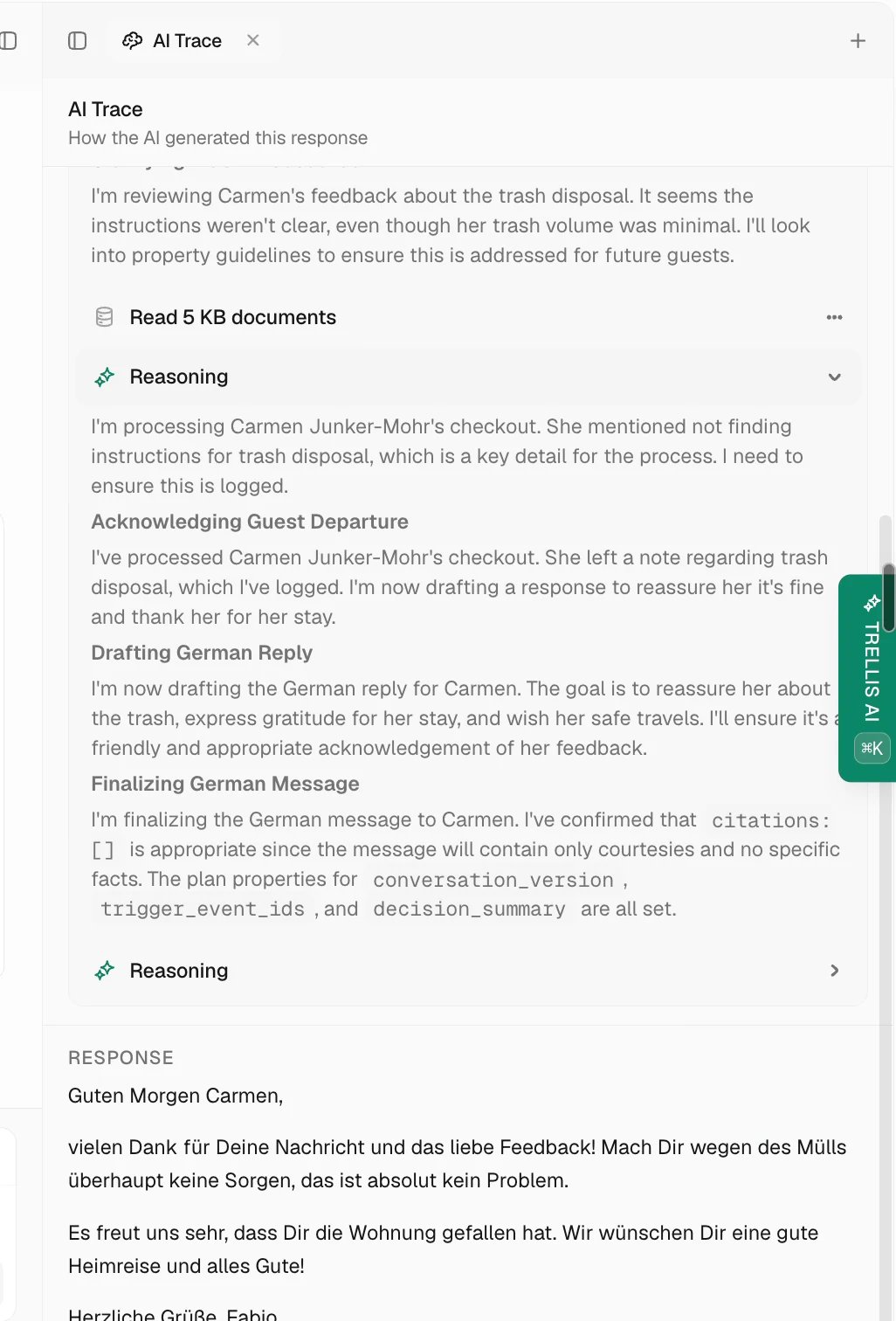
Test in review mode
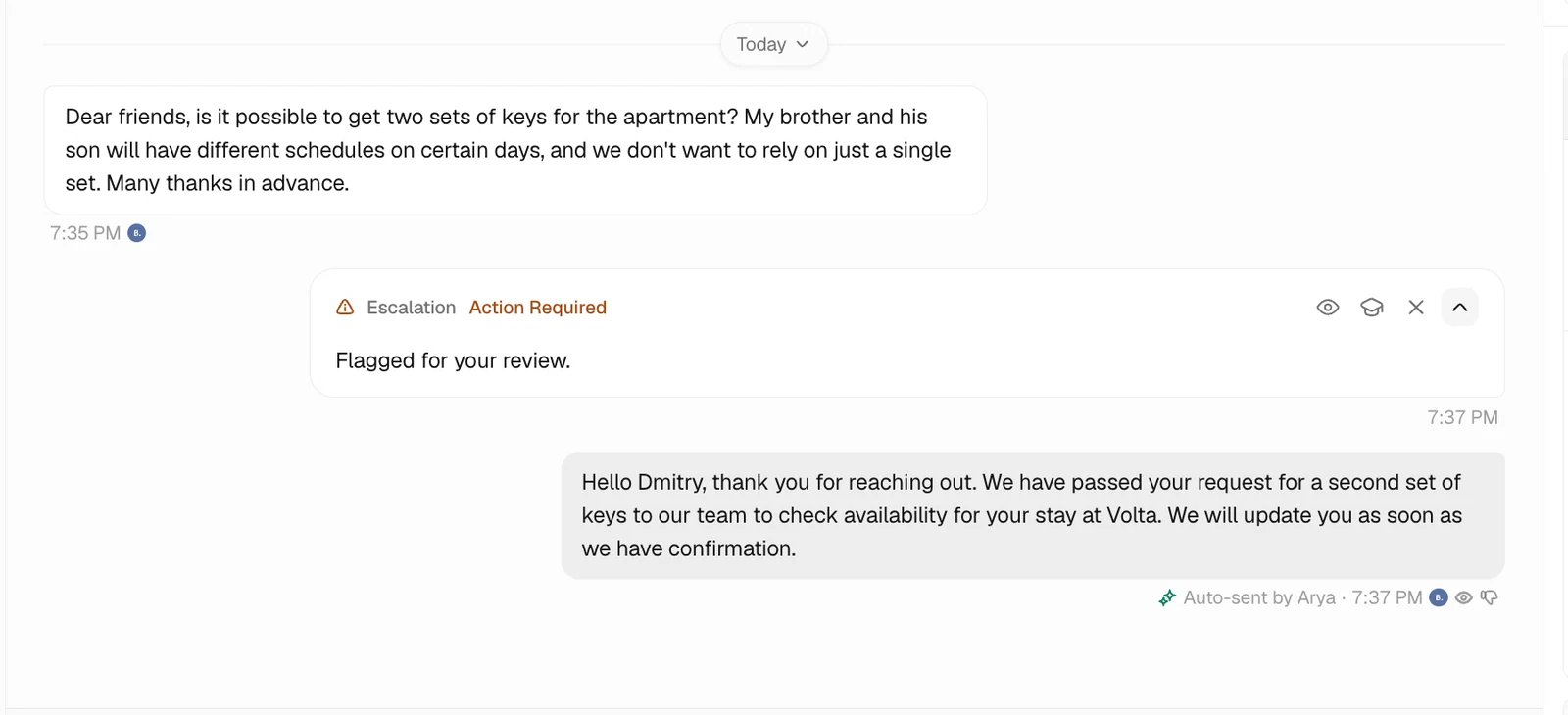
Decide when a person takes over
Move beyond review mode
Choose the intended Autopilot properties and channels, then review what should happen outside that scope. Create drafts for unselected properties controls whether those conversations receive a draft or no action; Never responds for excludes both drafts and automatic replies. See Autopilot property scope. Enable automatic replies for the checked scope and review early activity. Keep tools or decisions that require a person behind their configured approval controls. Expand to another property or channel after repeating the same checks there.Common problems
The answer is generic or wrong
The answer is generic or wrong
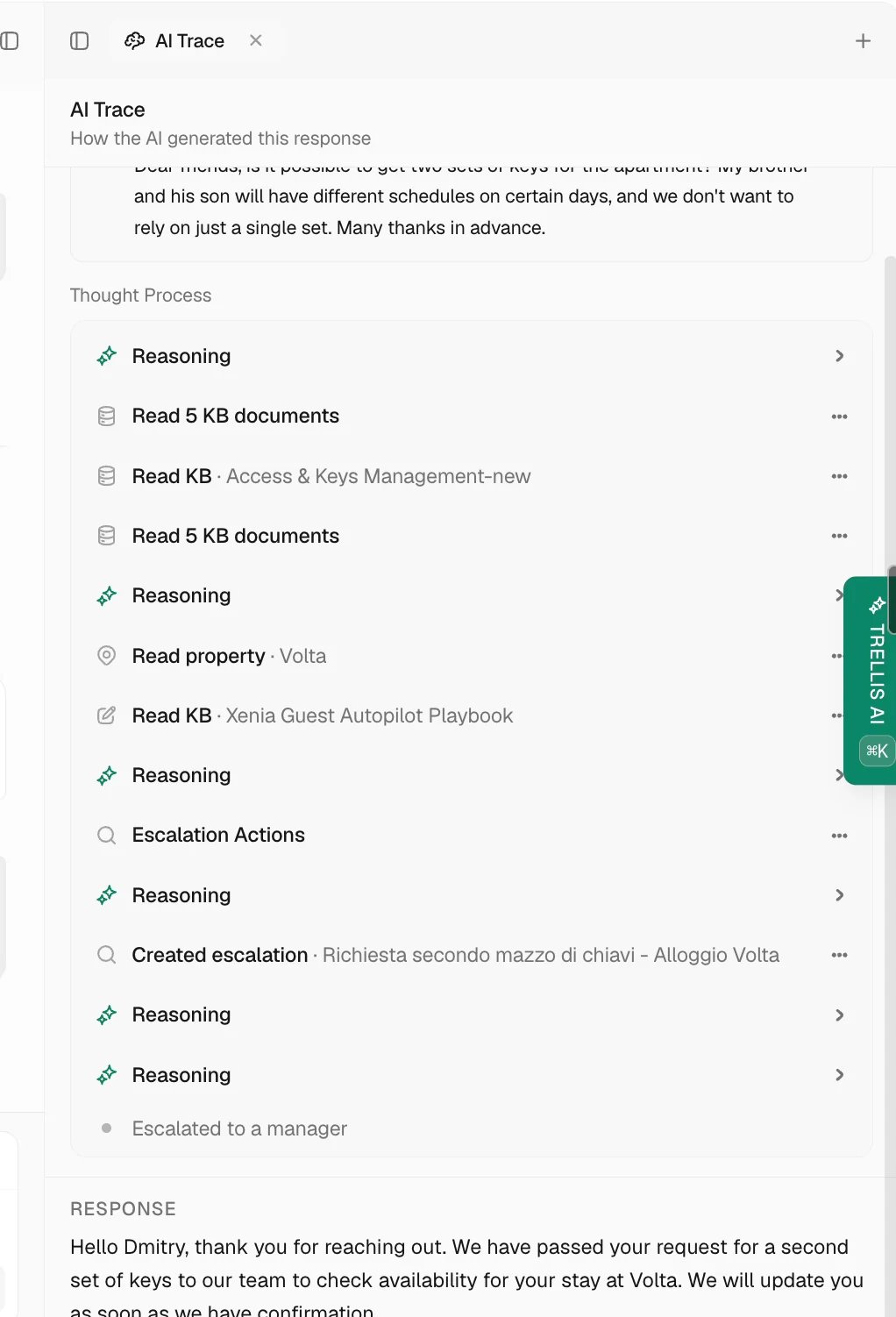
Inspect its sources and correct the relevant property fact, policy, document, or skill. Repeat the same example before widening automatic use.
The agent cannot see the property or conversation
The agent cannot see the property or conversation
Review the agent’s property, Inbox, and tool access, and confirm the selected reservation points to the intended property.
The agent acts when it should ask
The agent acts when it should ask
Review the specific tool permission and the workflow, if one is involved. Set the required approval and test that the action actually waits.