
The five classes
- Read: view a record or look up information. The role or agent still needs access to that resource and property.
- Draft: prepare content that has not been sent, such as a suggested guest reply. Review it before the delivery step.
- Change: edit Trellis records, such as a task’s date or a property field. Create, edit, delete, and assign permissions determine what is available.
- Deliver: send something outside the draft, such as a guest message or provider update. Check the destination and configured approval behavior.
- Spend: perform a money-related action, such as a refund or a cost decision. Use the relevant approval and limits for that operation.
Where the controls live
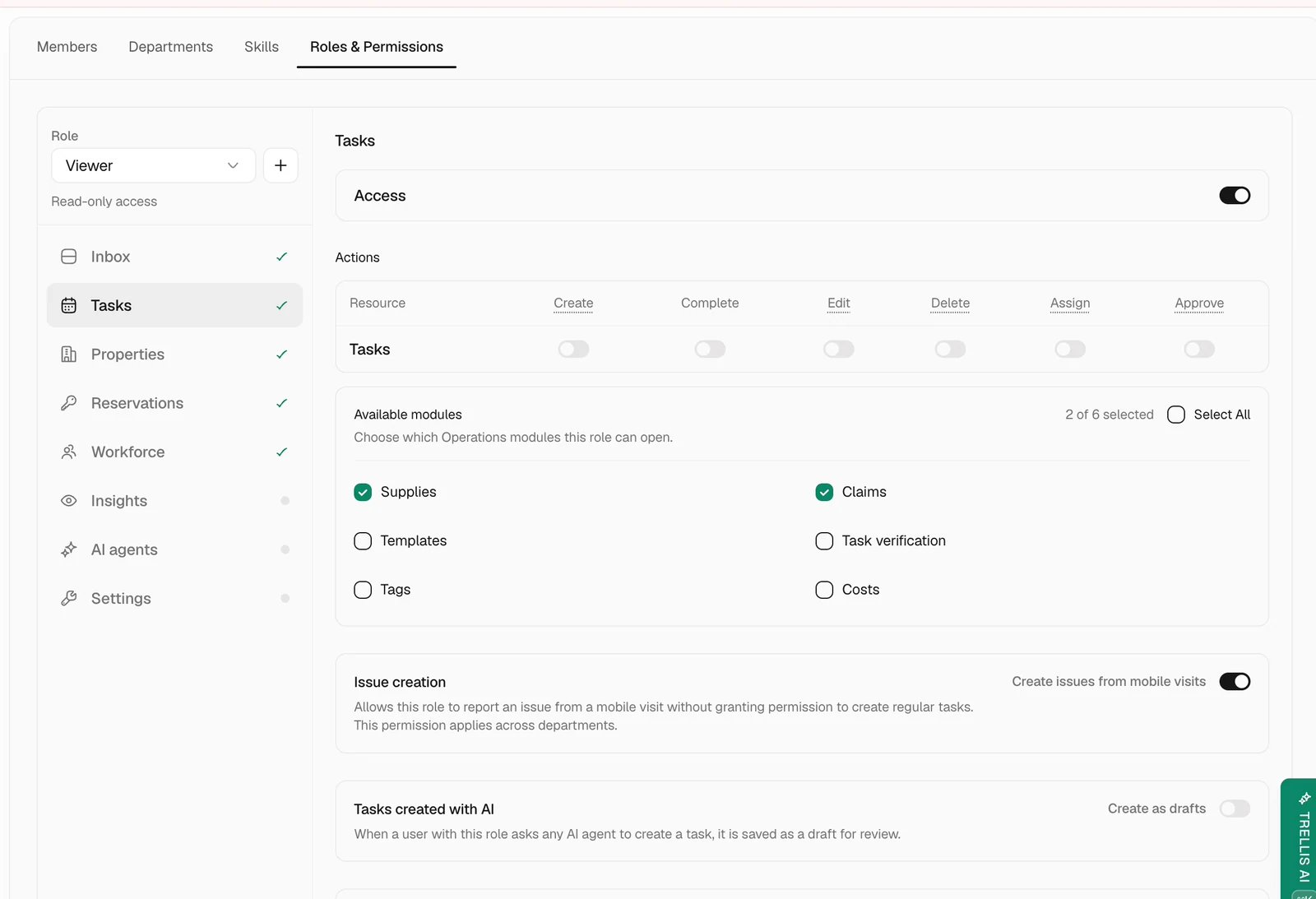
Review a proposed action
Before approving an action, check what it changes and where the result goes. For a guest message, read the recipient and exact text. For a task change, check the property, assignee, and date. For a payment-related decision, check the amount and whether the action authorizes, captures, releases, or refunds funds. If the proposed action is unclear, clarify or reject it. Confirm the resulting record afterward rather than treating the approval itself as proof of completion.Common problems
An agent action ran without asking
An agent action ran without asking
Review its tool setting and autonomy mode, and check whether a workflow used an explicitly automatic action. Use Ask first or a workflow approval where your process needs review.
A teammate cannot edit a record they can see
A teammate cannot edit a record they can see
Check the resource’s Edit permission and property scope in the role matrix, together with any member override.
Approvals feel constant
Approvals feel constant
Identify which tool or workflow is asking. Review whether that operation should be allowed within a defined scope; do not remove an approval without checking the action and its consequences.