
Before you start
Choose the mailbox your team should share and use an account authorized to connect it. Have a second team-controlled email address for testing. Keep automatic AI replies off or under review while you check the connection.Connect the mailbox
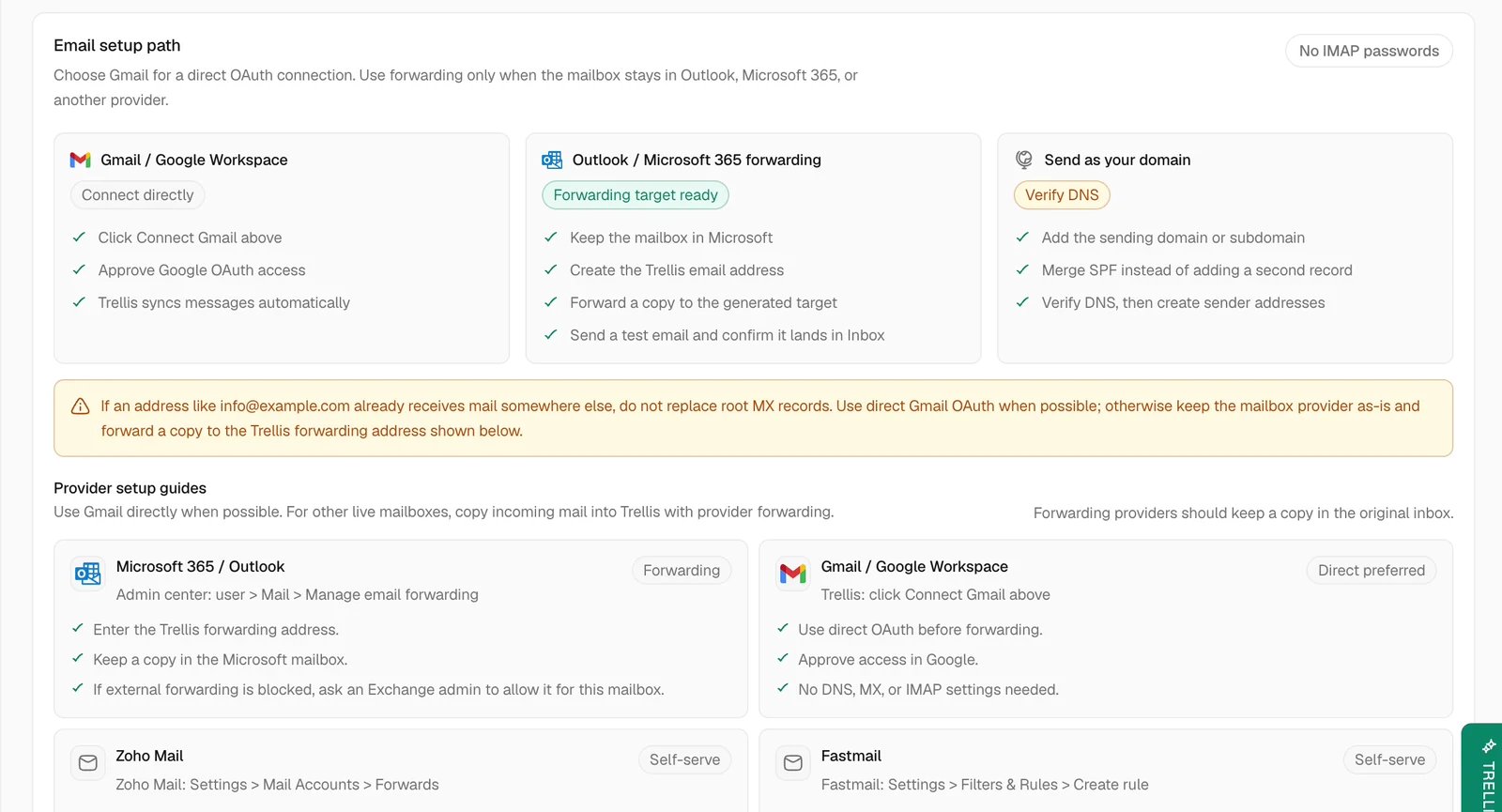
Gmail or Google Workspace
Select Connect Gmail and complete Google sign-in. Confirm the mailbox on the consent screen before granting access. Return to Trellis and check that the address is connected and sync is Active. This connection does not need DNS changes or an IMAP password.Outlook, Microsoft 365, or another provider
Keep the mailbox with its current provider and forward a copy to Trellis:- Under Domains, select Add Domain for the domain or subdomain you will send from. Follow its DNS Records instructions, then select Verify DNS. If an SPF record already exists, merge the required value into it instead of adding a second record. Keep existing mailbox MX records unchanged.
- Under Email Addresses, select Add Address using the verified domain. Save, then copy that address’s generated Forwarding Address.
- In your mailbox provider, enable forwarding to that target and keep a copy in the original mailbox. For Microsoft 365, use Admin center → user → Mail → Manage email forwarding. Your Microsoft administrator may need to allow external forwarding.
- Test incoming mail and replies using the steps below. Forwarding receives mail in Trellis; domain verification authorizes the sender you created.
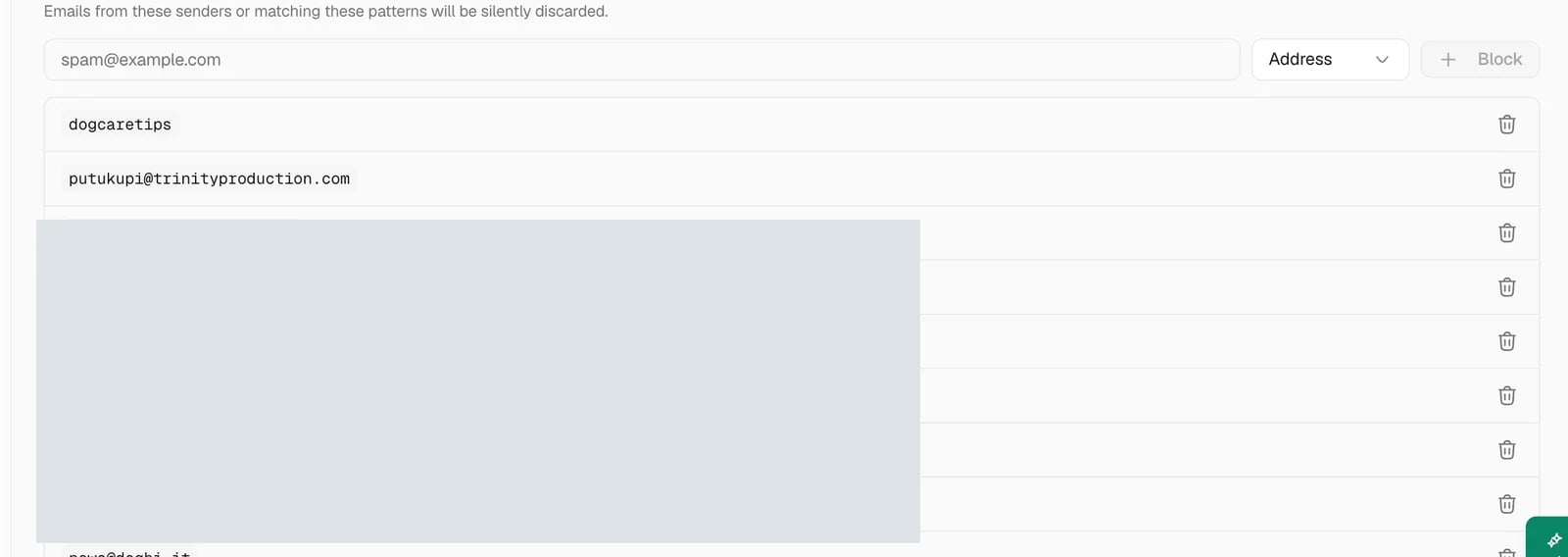
Keep unwanted senders out of Trellis
Test incoming mail and replies
Send a short test email from the second address, then find it in Inbox. Open the conversation and confirm the sender and email channel. Reply from Trellis and check that the test address receives the reply. Connecting the mailbox makes the channel available. Inbox views, contact types, and teammate permissions determine where people find its conversations. See Inbox if the message exists but appears in an unexpected view.Recover a disconnected mailbox
Open Settings > Integrations > Email. For Gmail, reconnect the same mailbox through Google sign-in. For a forwarded mailbox, check that forwarding is enabled, its target matches the saved Forwarding Address, and the sending domain remains verified. Then repeat the inbound and reply test. Inspect any reply with an uncertain send status before sending another copy.Common problems
The test email is missing
The test email is missing
Confirm it reached the original mailbox, check blocked senders, and clear Trellis Inbox filters. For a forwarded mailbox, also check the forwarding target and whether the provider allows external forwarding.
The wrong mailbox is connected
The wrong mailbox is connected
Ask an administrator to review the connection and replace it with the intended shared account before using it for replies.
A teammate cannot see the conversation
A teammate cannot see the conversation
Check their role, Inbox access, and property scope in Settings > Team & Permissions. Test with the affected teammate’s access rather than assuming an administrator’s view is the same.
Related articles
- Inbox — organize email threads and choose a reply channel.
- Launch your AI Agent — move from reviewed replies to automation.
- Troubleshooting — trace missing messages and connection problems.