What this helps you do

Create tasks whose completions you can trust without being on site — because the instructions were concrete and the proof was named before the work started.

Before you start

Know the property, the timing window, and what “done” looks like. A task missing any of the three bounces back with questions or, worse, comes back “complete” without being checkable.

Create the task

1

Start from the right place

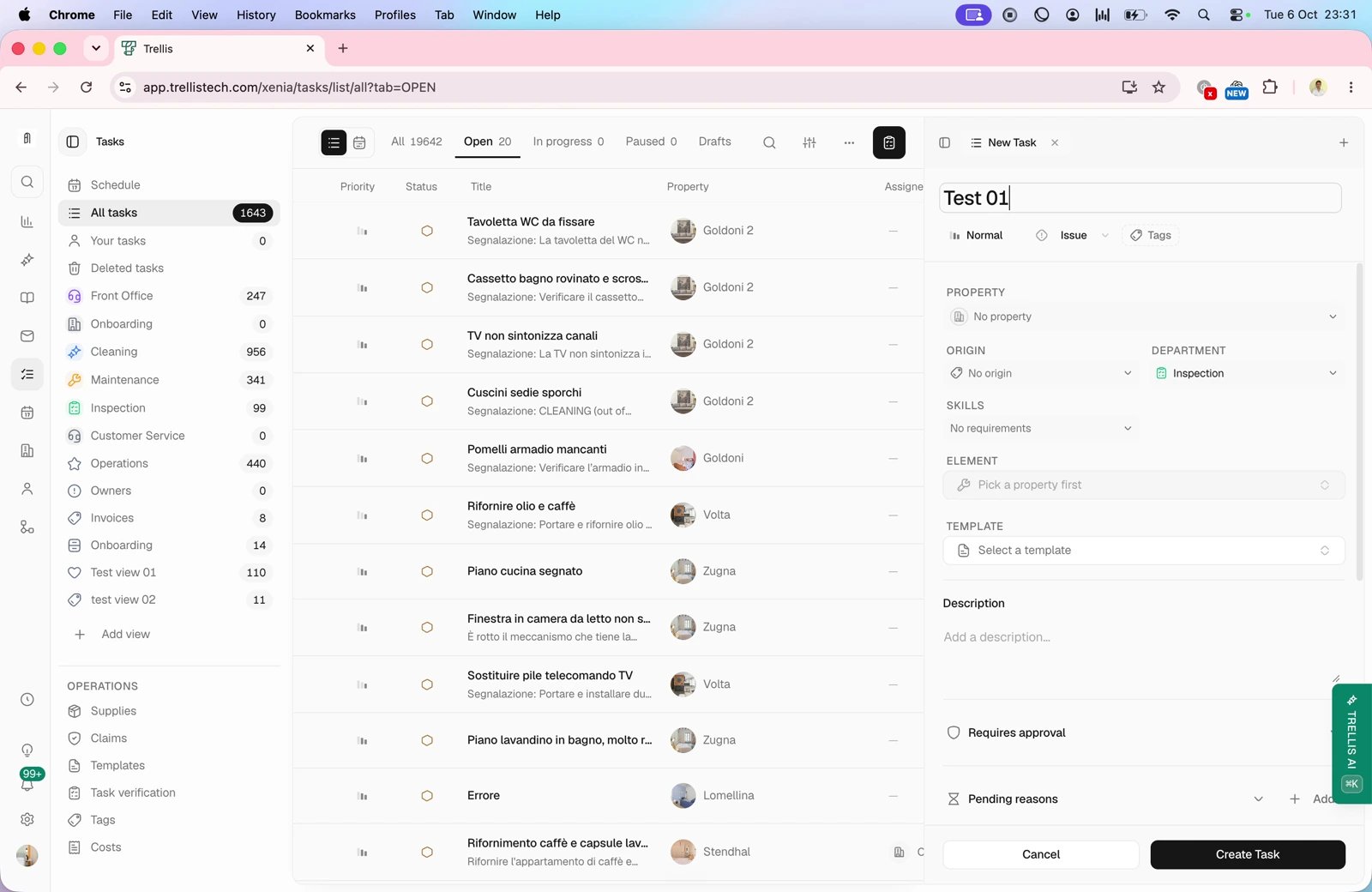
Use Create task from wherever the need surfaced — a conversation, a property, or the task list directly. Starting from a conversation or reservation carries the property and stay context with it.
2

Write instructions for a stranger

Assume the worker has never seen this property. Name the exact area, the exact problem, and anything they must know before starting. “Fix the lockbox” fails; “Front-door lockbox, code wheel sticks on 3 — replace the unit in the garage cabinet” succeeds.
3

Use checklist items when order matters

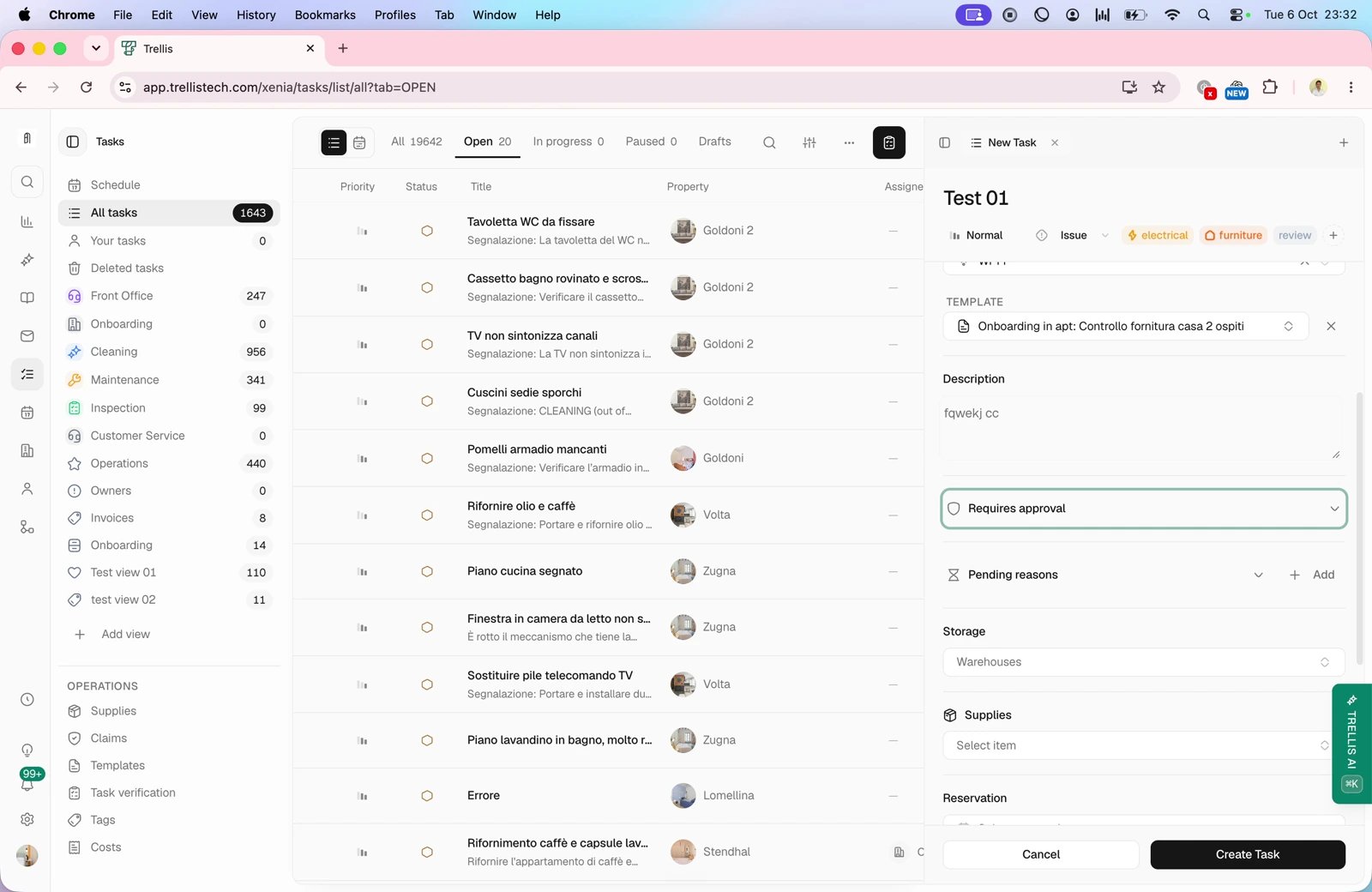
A Checklist turns one vague task into verifiable parts, each checked off individually. Sequence the items the way the work must happen.
4

Name the proof up front

Mark items Photo required where you need to see the result, and say in the instructions what the photo must show. Proof named after completion is an argument; proof named before is a requirement.
5

Schedule and assign

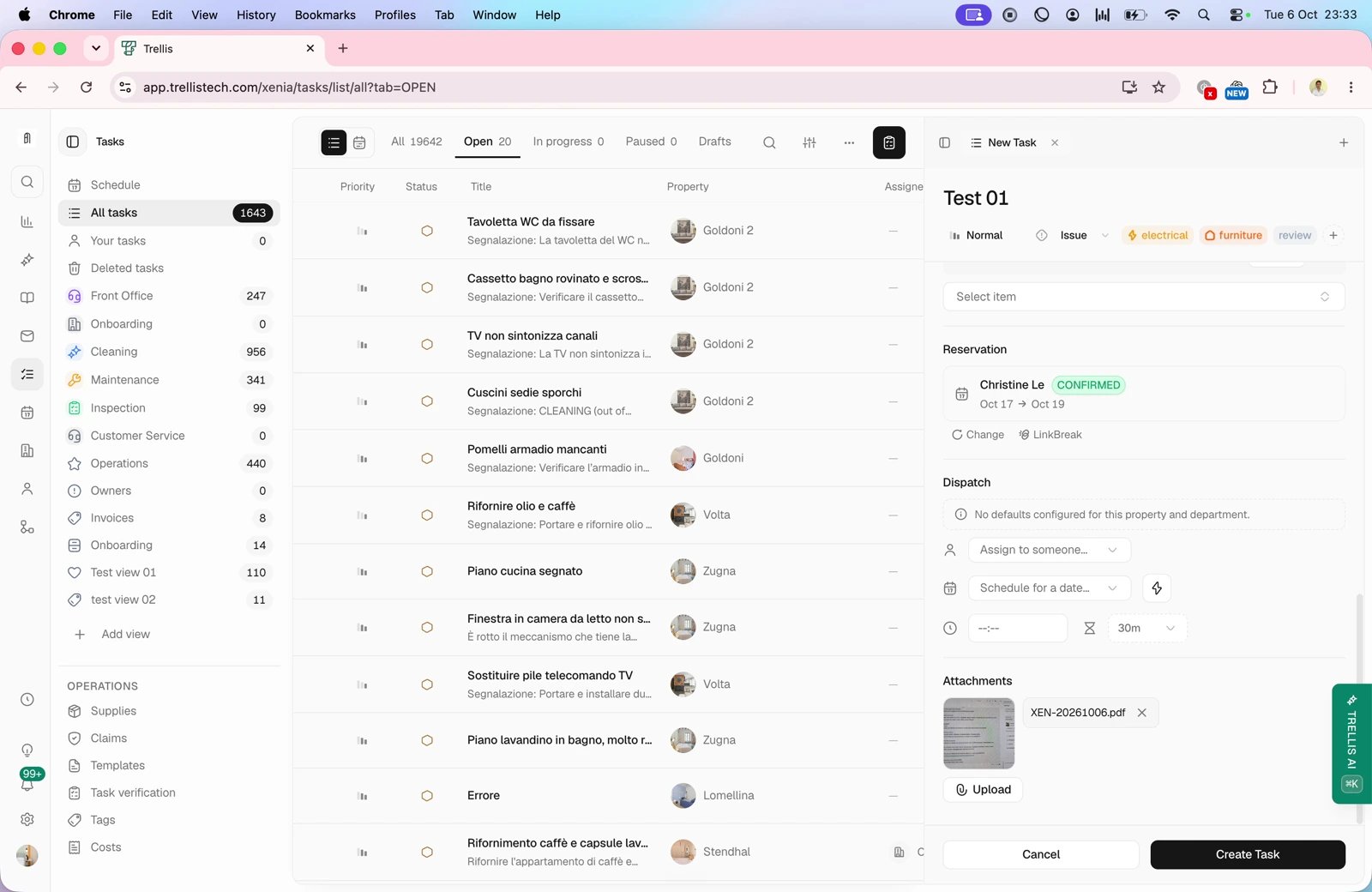
Give the task its date, timing window, and assignee. Unassigned or undated tasks are wishes, not work.

Let an agent draft it

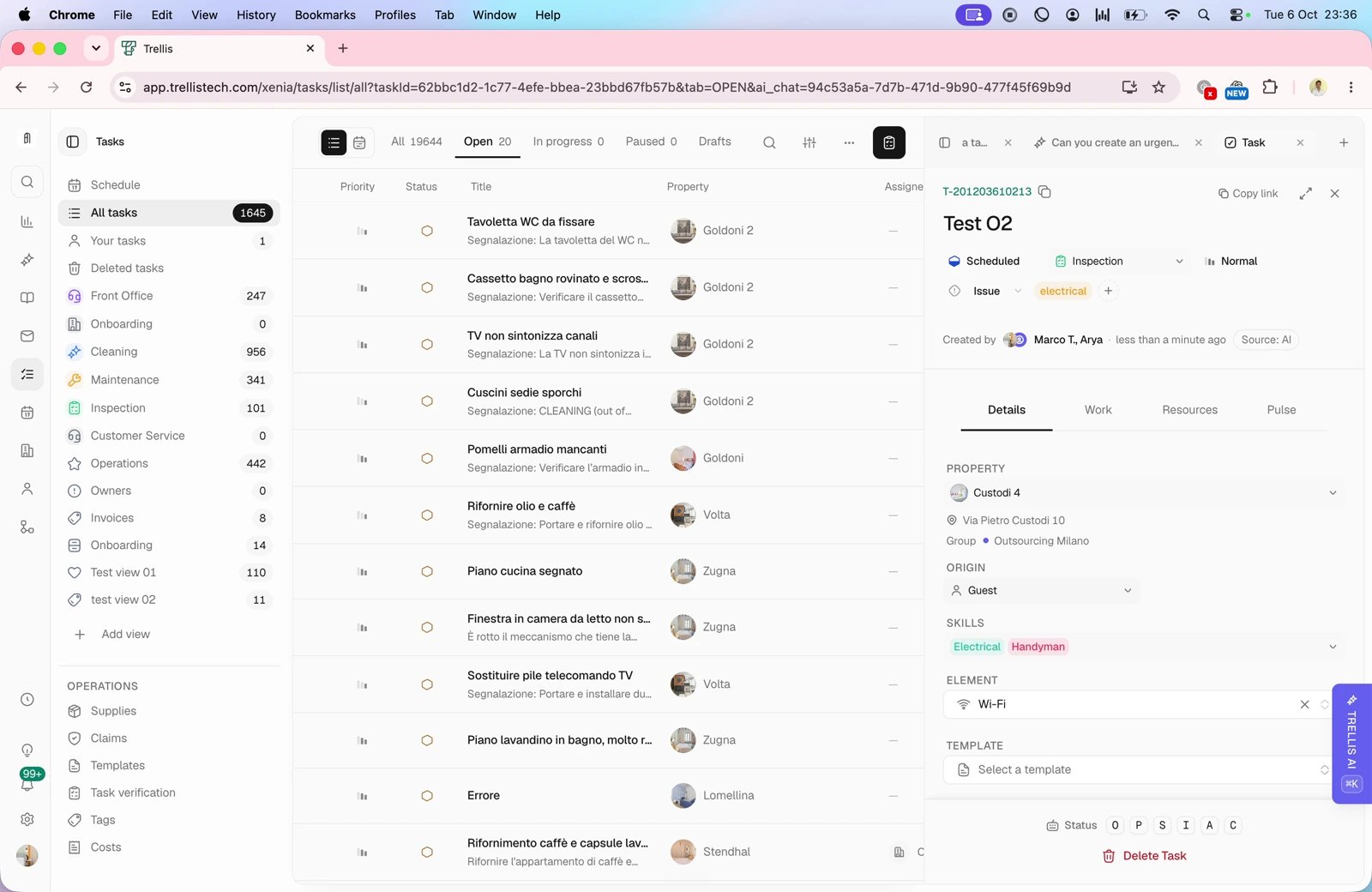
Trellis agents can draft tasks from a conversation or a request — the draft arrives for your review with the property and reservation already linked. Review it like any other draft: tighten the instructions, add the checklist and proof requirements, then let it through. The agent saves the typing; the standards stay yours.

What happens next

The completed work comes back with its proof attached for review — the reviewer’s half of this contract is covered in Review completions and evidence.